
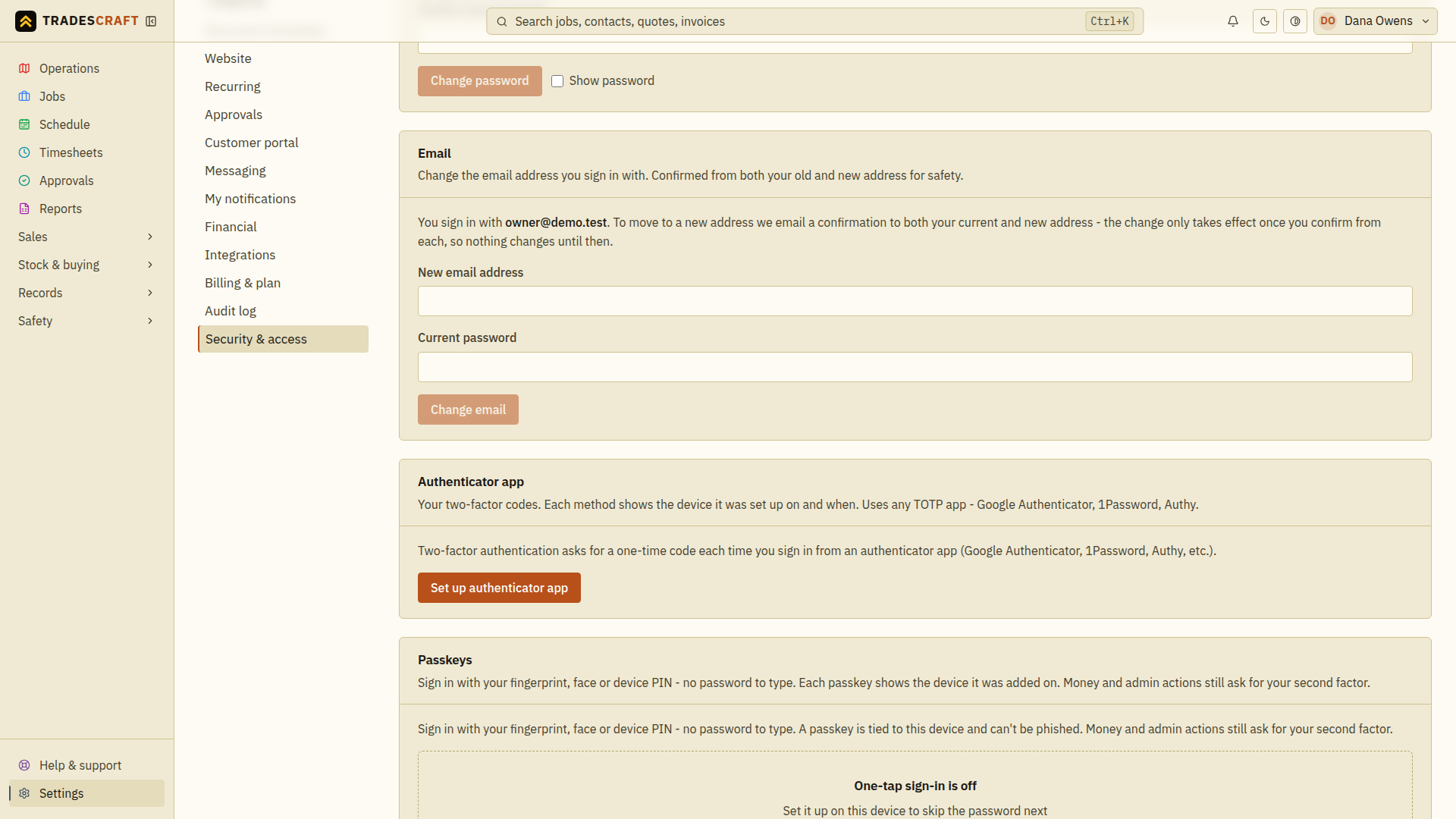
Your email address is how you sign in. You can change it yourself any time from Settings → Security & access, in the Email section - right under Password.
Before you start
- You'll need your current password to make the change (it proves it's you).
- You'll need to be able to open both your old and your new inbox - the change is confirmed from each, so nothing moves until you do.
Step by step
- Open Settings → Security & access and find the Email section. It shows the address you sign in with today.
- Type your new email address.
- Enter your current password.
- Tap Change email.
We then email a confirmation link to both your current and your new address.
- Open your current inbox and tap the confirmation link.
- Open your new inbox and tap its confirmation link.
Once you've confirmed from both, your sign-in email is updated. From then on you sign in with the new address. Until both are confirmed, nothing changes - so a half-finished change (or one you didn't start) never moves your account.
Good to know
- Didn't start this? If a "confirm your email change" message arrives that you didn't ask for, just ignore it. Your address won't change unless someone confirms from your inbox, and we always warn your old address so you'll know.
- Changing your password instead? That's the section just above - see Security.
- Lost access to your old inbox? Because the change needs a tap from your old address, you can't finish it yourself if you can't open that inbox. Ask an admin in your business to set your email for you from Settings → Staff & subcontractors (see Your team) - they can do it without the old-inbox step after verifying your identity and completing their security check. An admin cannot use that action on their own account; if no other administrator can help, contact support.