
The My details tab is where you manage your own information - the details the tradie sees about you.
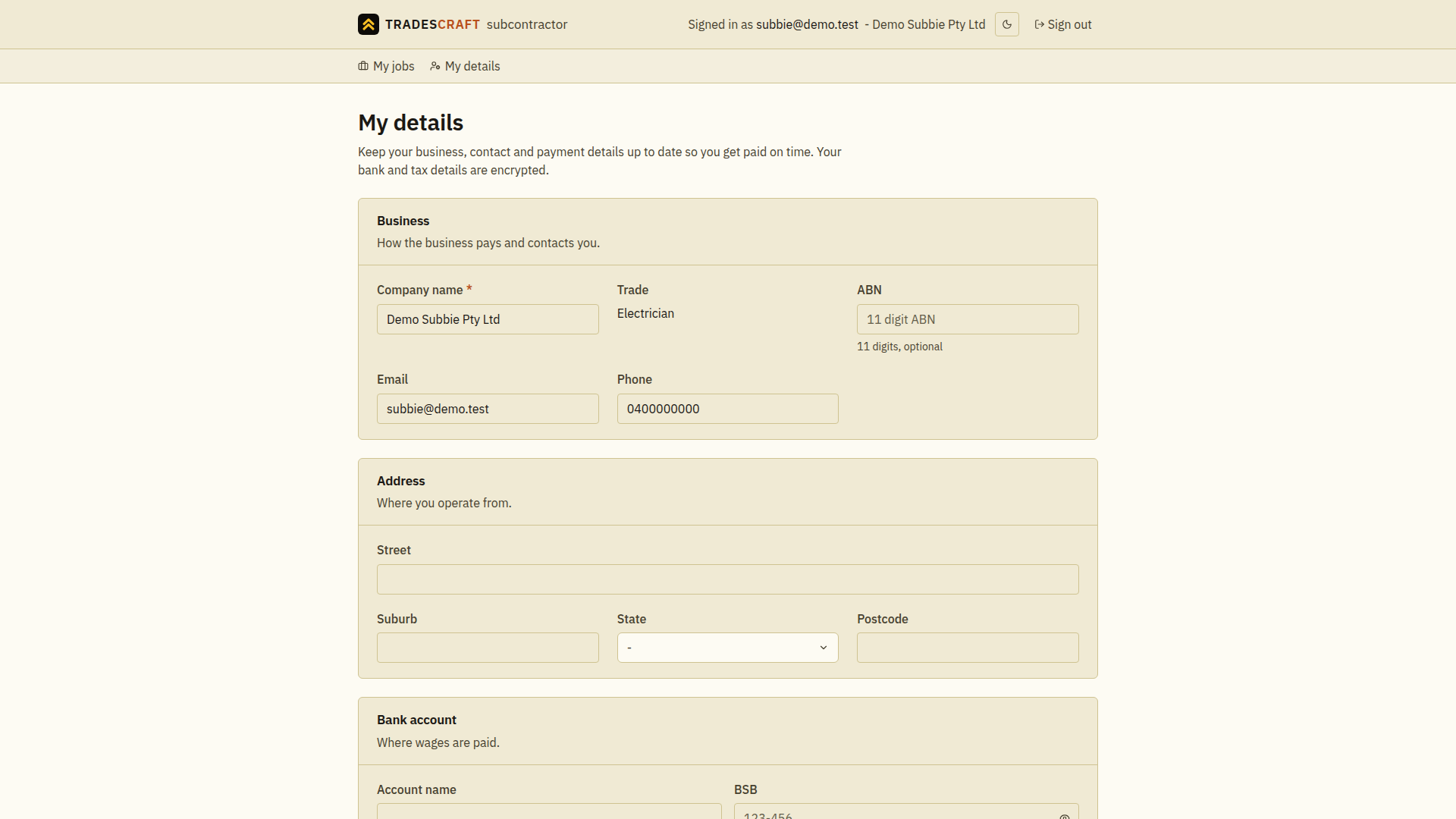
What you can do
- Update your business details - company name, ABN/NZBN/EIN as applicable, email and phone.
- Keep your address current.
- In AU/NZ, set your payment details - bank account, super and tax info - so you get paid right. For your protection these are stored encrypted and shown masked (e.g.
***789) once saved - choose Reveal saved details to see or change a value (each reveal is recorded in the audit log), or just leave a field blank to keep what's already on file. - US accounts do not show the AU/NZ payment, tax or qualifications sections; Tradescraft stores the US subcontractor's identity, address and job-facing details without presenting itself as a US payroll/compliance system.
Good to know
- This is the only account info you can see or change - the rest of the business's app is off-limits.
Update your details
- Open My details and check the business name at the top.
- Edit your contact or address fields. In AU/NZ, reveal a saved sensitive value only if you need to inspect or change it; blank fields keep saved values.
- Choose Save changes and wait for the success message before leaving.
If a required field is highlighted, correct it and save again. If changes are unavailable, contact the business that invited you to check your access.