
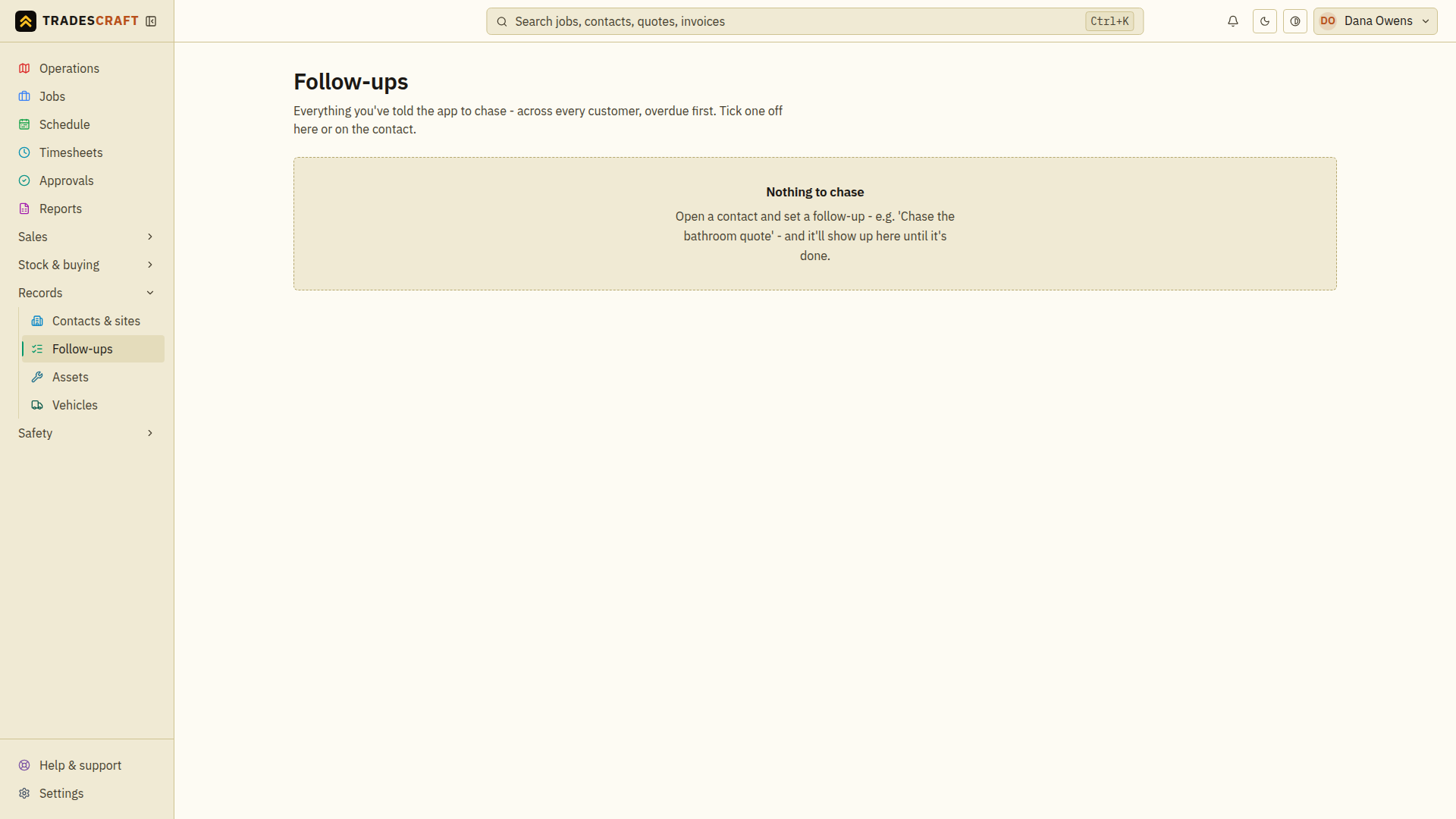
Follow-ups are reminders tied to a customer or job - "ring back Tuesday", "chase the deposit", "check the repair held". Open it from Records → Follow-ups.
What's on it
A list of follow-ups with what's due and when, so nothing slips through the cracks. You set a follow-up from a contact's Activity section.
- Mark one done when you've handled it.
- Overdue follow-ups are flagged so you can clear them first.
Complete a follow-up
- Open Records → Follow-ups and start with the overdue or soonest-due item.
- Select the customer's name to read its Activity history. Follow a linked quote or job when you need that context.
- Make the call or complete the promised action, then return to the follow-up and choose Mark follow-up done (the square beside it).
- Wait for Follow-up done. It leaves the open queue, while its history stays on the contact.
To change a due date, edit the entry on the contact's Activity history. An empty queue says Nothing to chase; create the next reminder from a contact.