
Approvals is your sign-off queue - actions your business has set to need a manager's tick before they go ahead: sending or accepting a quote, dispatching a job, sending or writing off an invoice, or marking an enquiry lost.
You can also turn on sign-off for the riskier money and deletion steps - taking a payment, or deleting a quote, job, invoice or credit note - and when you do, two-person sign-off is the default (the person who raised it can't approve their own). Your admin chooses which actions need approval under Settings → Approvals. Open Approvals in the menu to review the requests.
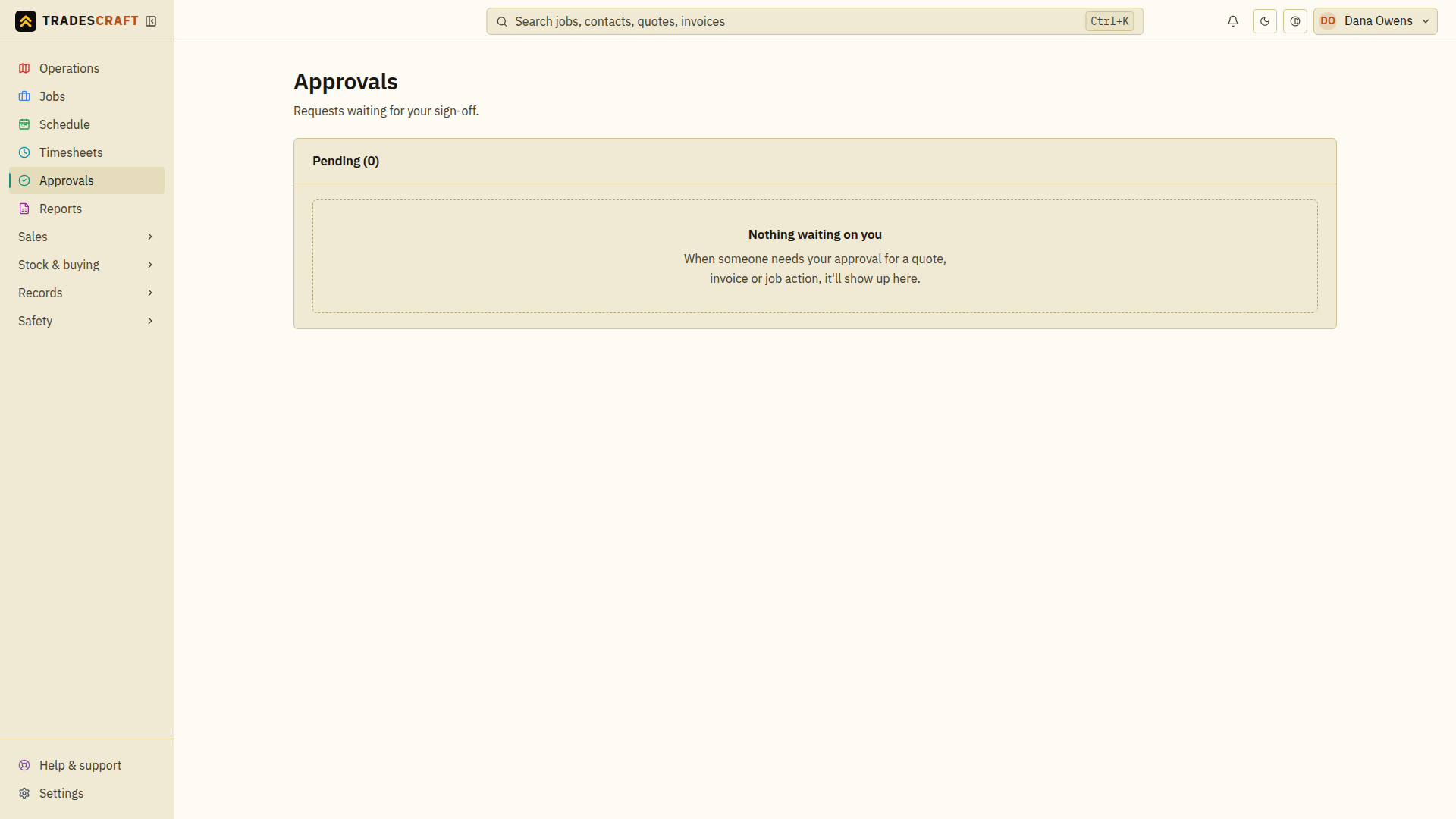
What's on it
- A list of items waiting on a decision, who raised them and what they are.
- Approve or Reject each one; the person who raised it is notified and the item moves forward (or back).
- Requests you raised appear here too, marked as yours. Changed your mind before it's decided? Withdraw request cancels it.
Good to know
- What needs approval - and who can approve it - is set under Settings → Approvals. See Set up approvals.
Review a request
- Open Approvals and find the request. Check who raised it, when it expires and how many decisions are still needed.
- Choose View record to inspect the actual quote, invoice, job or other item before deciding.
- Return to the request, add an optional comment for the requester, then choose Approve or Reject if those controls are available to you.
- Check the updated approval count or completion result. One approval may not be enough when the policy requires several people.
A business admin may have oversight without being an assigned approver. A request you raised shows Withdraw request instead of decision controls; withdrawing cancels the request, not the underlying job or document.