
When an invoice is issued and still owing, you can send the customer a polite reminder - a branded email with the amount due and a link to pay - straight from the invoice.
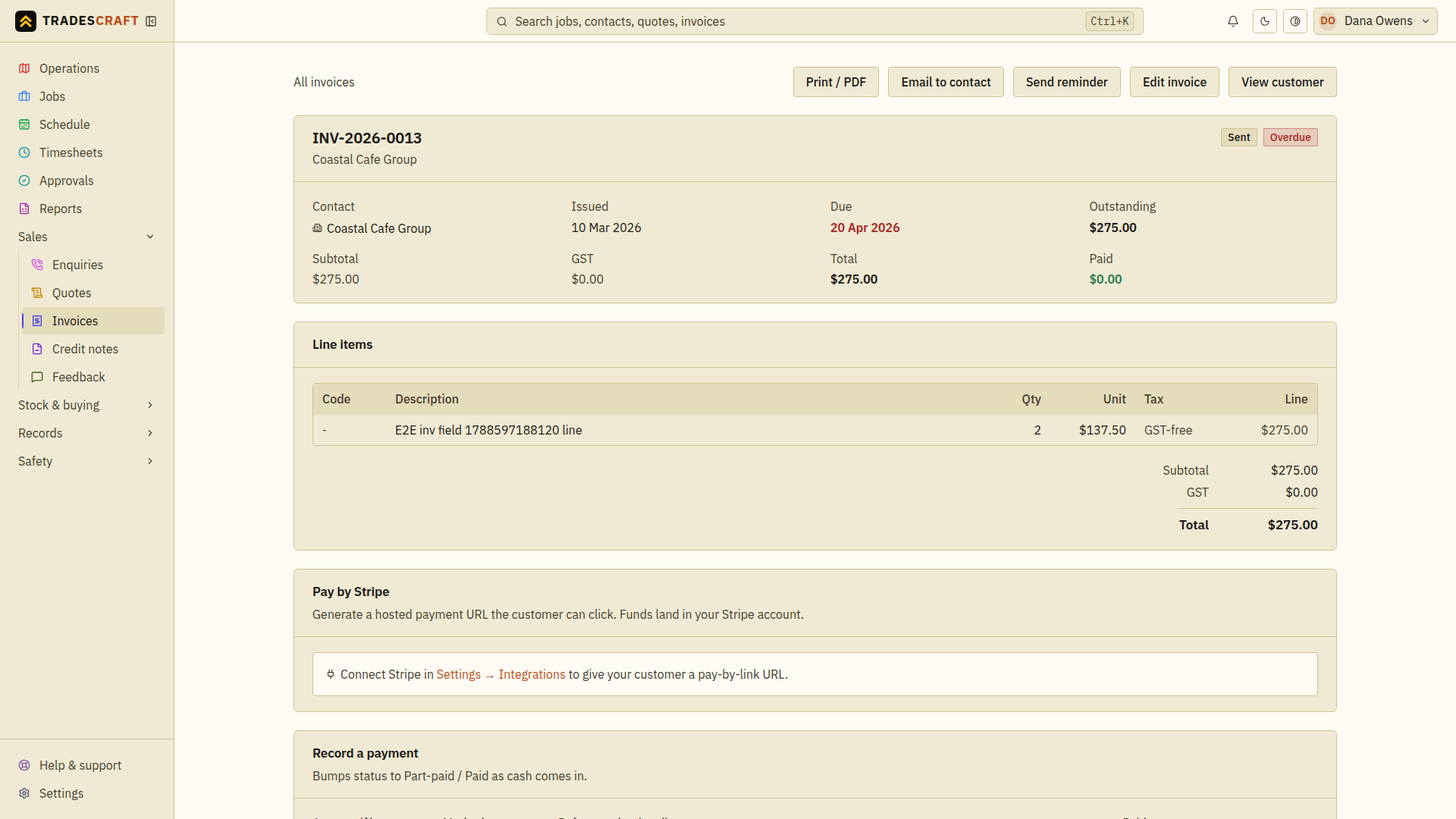
Send one
- Open the invoice (Sales → Invoices, then the invoice).
- Check the outstanding amount and the customer's billing email before sending. Confirm any recent payment has been recorded so you are chasing the right balance.
- In the header, tap Send reminder. Wait for Reminder sent. The email includes the amount owed and an available card-payment link.
- If an error appears, follow its instructions. If asked to wait before sending another reminder, wait until that time has passed. After a connection failure, use Retry same reminder to check the same send rather than starting another reminder.
Good to know
- Send reminder is only available when the invoice is worth chasing - it's been issued and there's still money owing. A draft, paid or cancelled invoice won't offer it (and tells you why).
- There's a short cool-down (about 10 minutes) between reminders on the same invoice, so you can't accidentally spam a customer.
- The customer's contact needs a valid billing email. If it's missing or looks wrong (for example a stray comma or space), the reminder won't send and Tradescraft asks you to fix it on the contact first.
- Prefer it to happen on its own? Turn on automatic overdue reminders under Settings → Financial and Tradescraft will chase overdue invoices for you on a schedule - see Financial settings. The manual button here is for when you want to give one a nudge right now.