
Notifications are the alerts Tradescraft raises for you - a job assigned, an approval waiting, an invoice paid, a document emailed to a customer, safety paperwork that needs re-signing. Open the bell in the top bar, or the full list from Notifications.
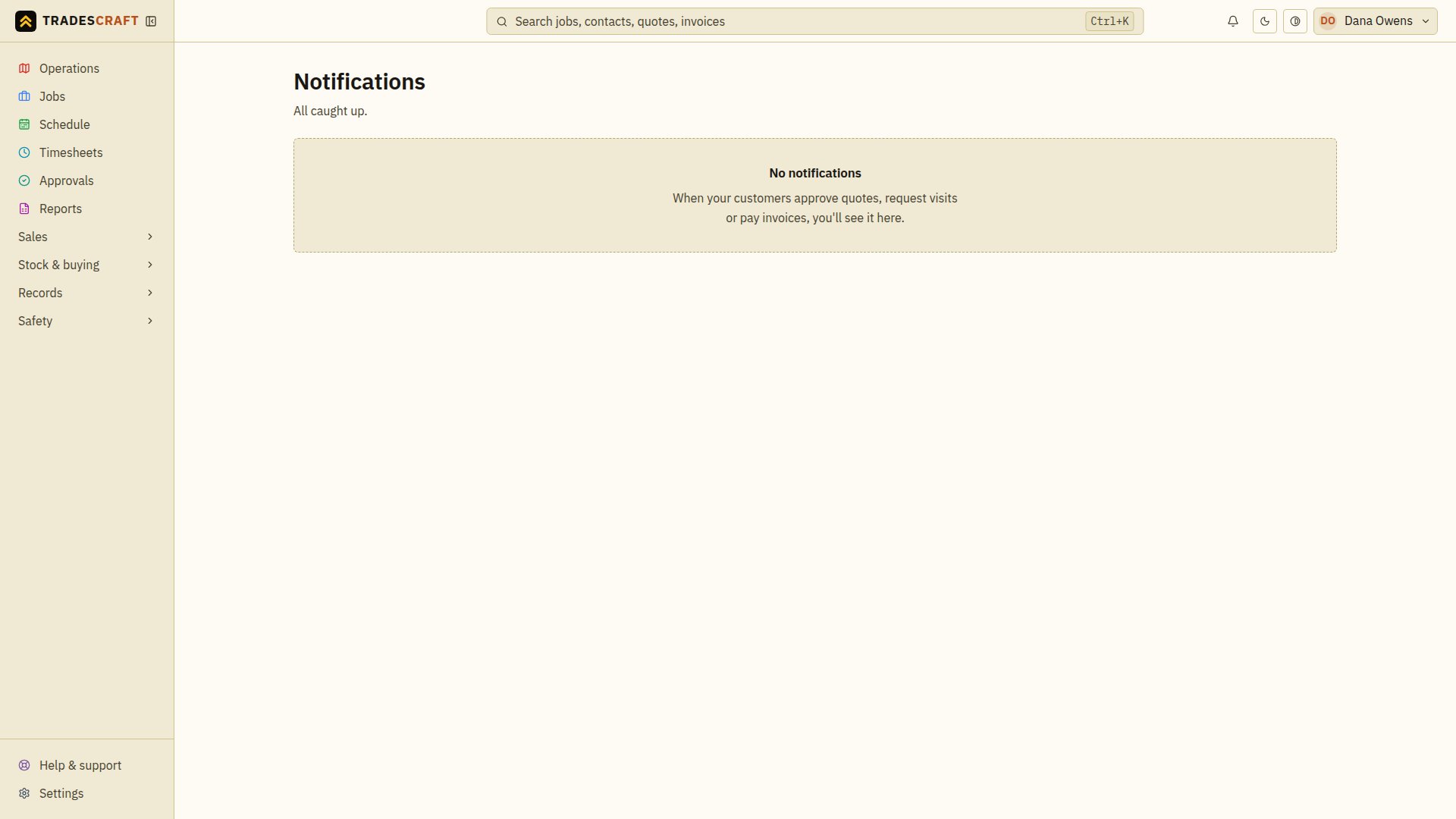
What you can do
- See unread alerts at a glance on the bell.
- Mark as read once you've seen them, or dismiss ones you don't need.
- Each notification links straight to the thing it's about.
Tips
- Choose the available delivery channels under Settings → Notifications. Customer and crew SMS delivery is not generally available yet; a setting does not mean a text message has been delivered.
Read and clear alerts
- Open the bell, then the full Notifications list if you need more history.
- Read an alert and follow its link to the related record. Opening an alert marks it read; it does not approve, pay or complete that record.
- Use Mark read to keep an alert without its unread indicator, or Dismiss to remove it from the list. Mark all read clears the unread indicators together.
If a linked record is unavailable, ask your administrator whether your access has changed. Dismissing its notification does not delete the underlying record.