
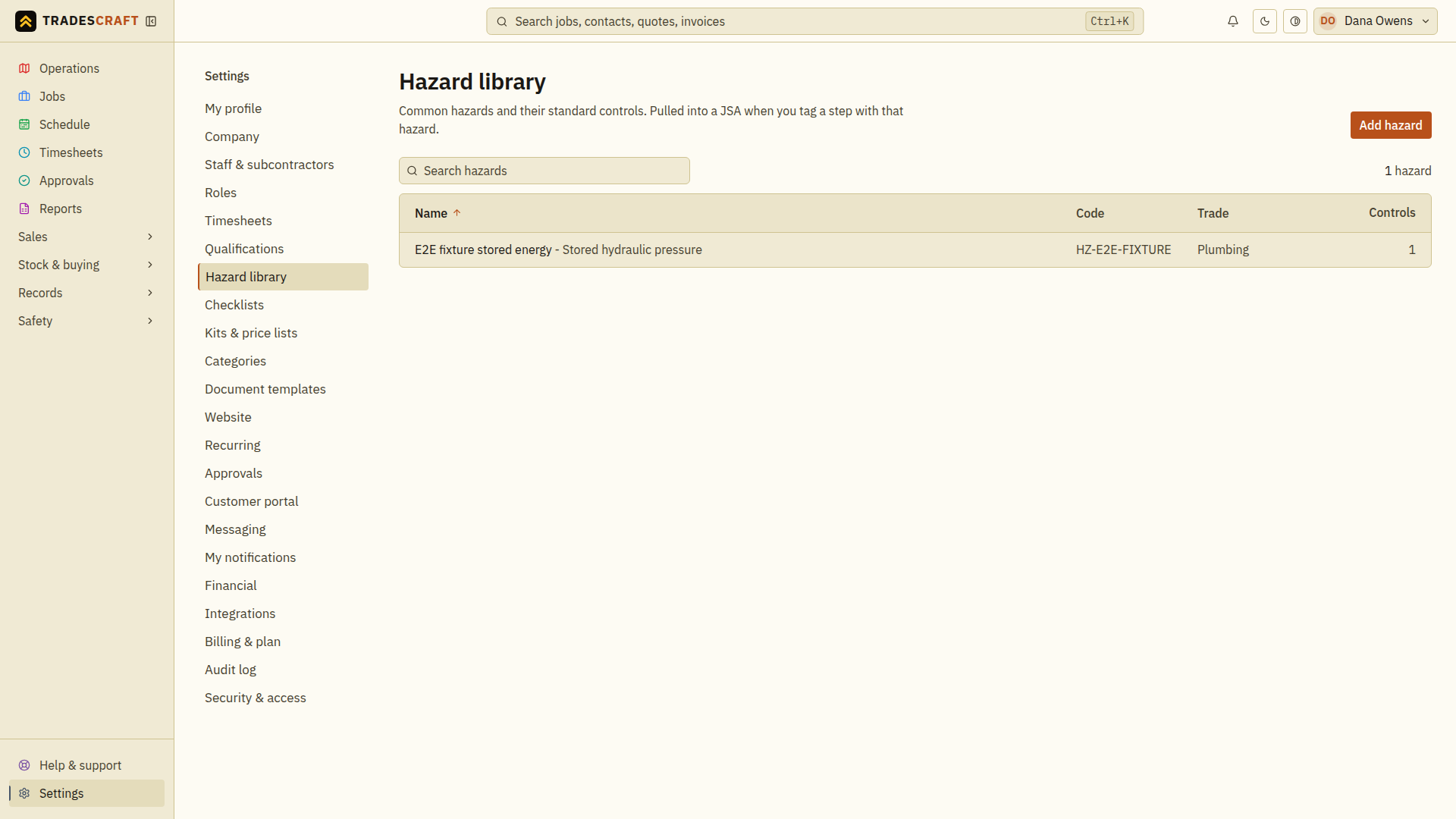
The hazard library is your master list of the hazards you meet on the tools - each with its standard controls. You pull from it when writing a JSA (where you rate the actual risk), so they're consistent and quick. Open it from Settings → Hazard library.
What you can do
- See your hazards (e.g. "Asbestos", "Live electrical", "Confined space", "Working at heights").
- Add a hazard with its standard control measures. (You rate the actual risk on the JSA, per step - not here.)
- Reuse them across every JSA instead of re-typing.
Reuse a hazard on a plan
- Open the library and find the hazard by its name/code. Review its description and default controls; use Add a hazard if the type is missing.
- Open or create the job's JSA and find the relevant task step.
- Choose Add from hazard library, select the hazard and review the controls copied onto that step. Adjust them for the actual site and task.
- Set that step's initial and residual risk, then save the JSA. Follow Create a JSA for review and activation.
A library entry is a reusable starting point. Adding one does not attach it to an existing job or confirm that its controls suit every site.