
Start a new JSA
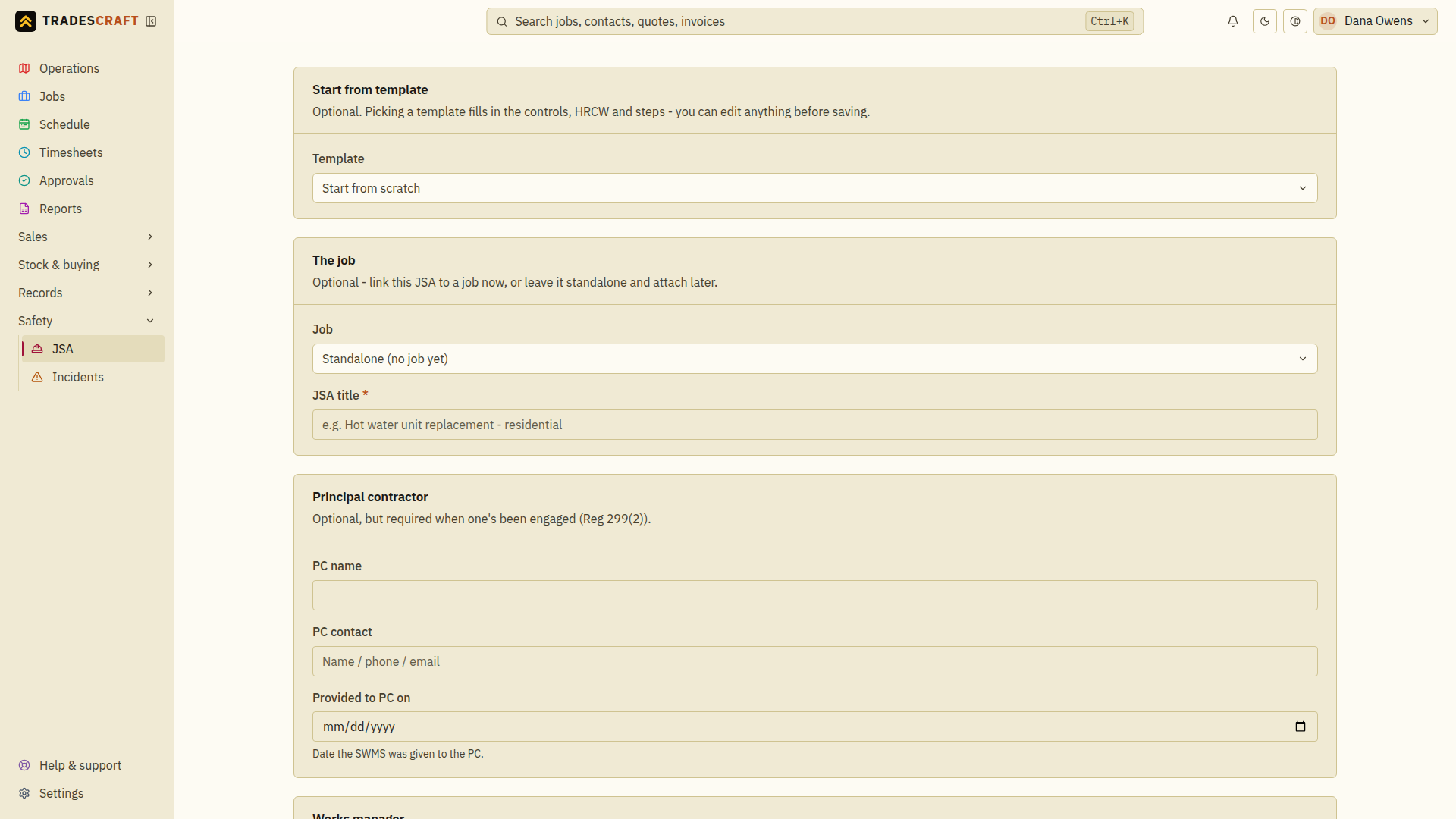
From Safety → JSA, tap New JSA (or Add JSA/SWMS on a job, which links it to that job). Give it a title. A JSA (Job Safety Analysis) records the work, hazards and controls. The legal framing then follows the business country:
- In Australia, selecting a high-risk construction work category frames the plan as a SWMS, under the applicable state or territory WHS requirements.
- In New Zealand, the same workflow is labelled as a Task Analysis / documented safe method of work under HSWA and the General Risk and Workplace Management Regulations. New Zealand does not have an identical SWMS/HRCW regime.
Build each step
Break the work into steps. For each one:
- Task - what the worker does.
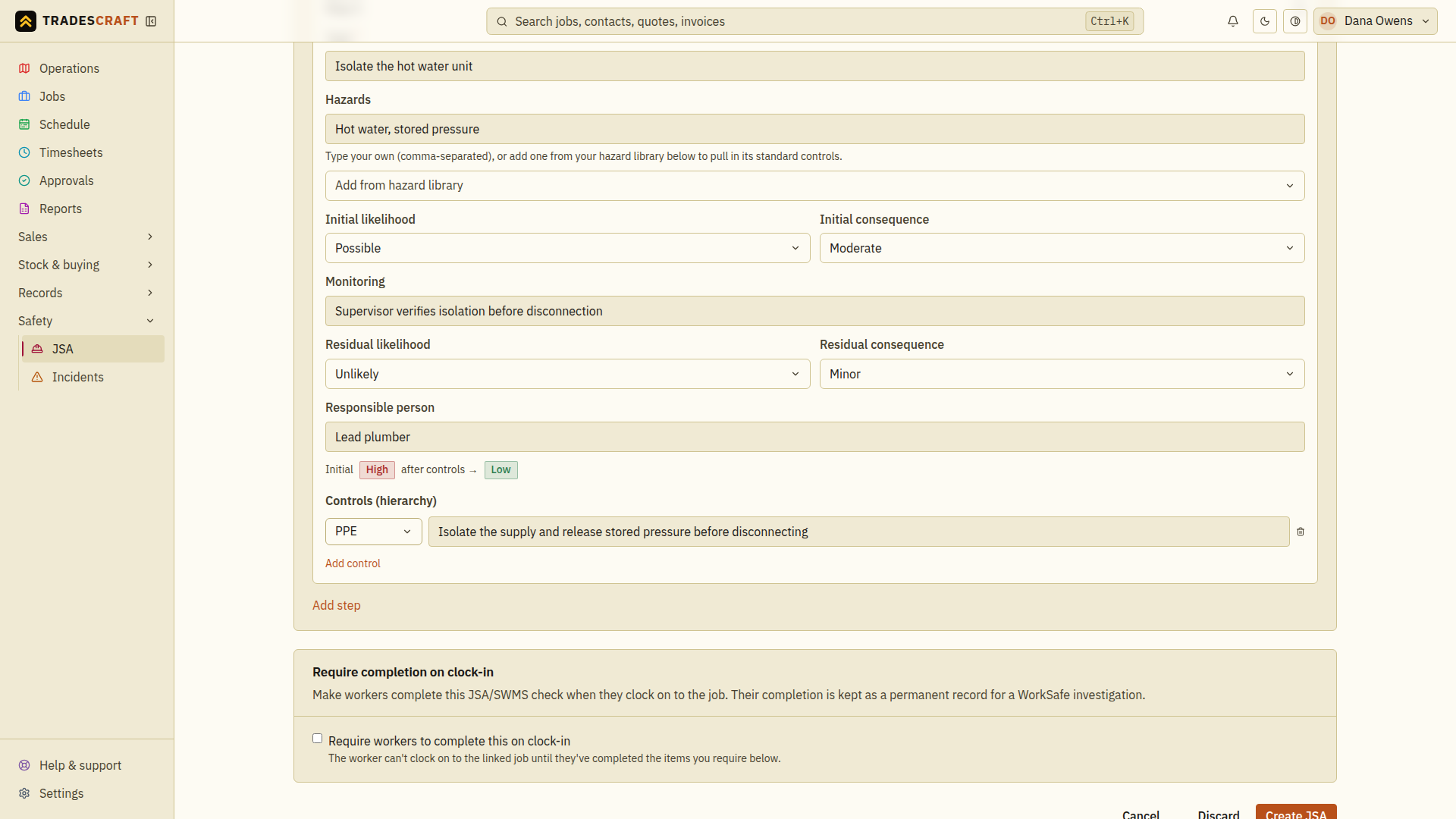
- Hazards - type your own, or Add from hazard library to pull a hazard in with its standard controls.
- Initial risk - likelihood × consequence before controls.
- Controls - how you bring the risk down, each tagged by where it sits in the hierarchy of control - from Eliminate (remove the hazard - best) down through Substitute, Isolate, Engineering and Administrative to PPE (gear on the worker - last resort).
- Residual risk - likelihood × consequence after controls.
The 5×5 matrix colour-grades each row, so the initial → residual drop is clear at a glance.
Activate it, then have the crew sign on
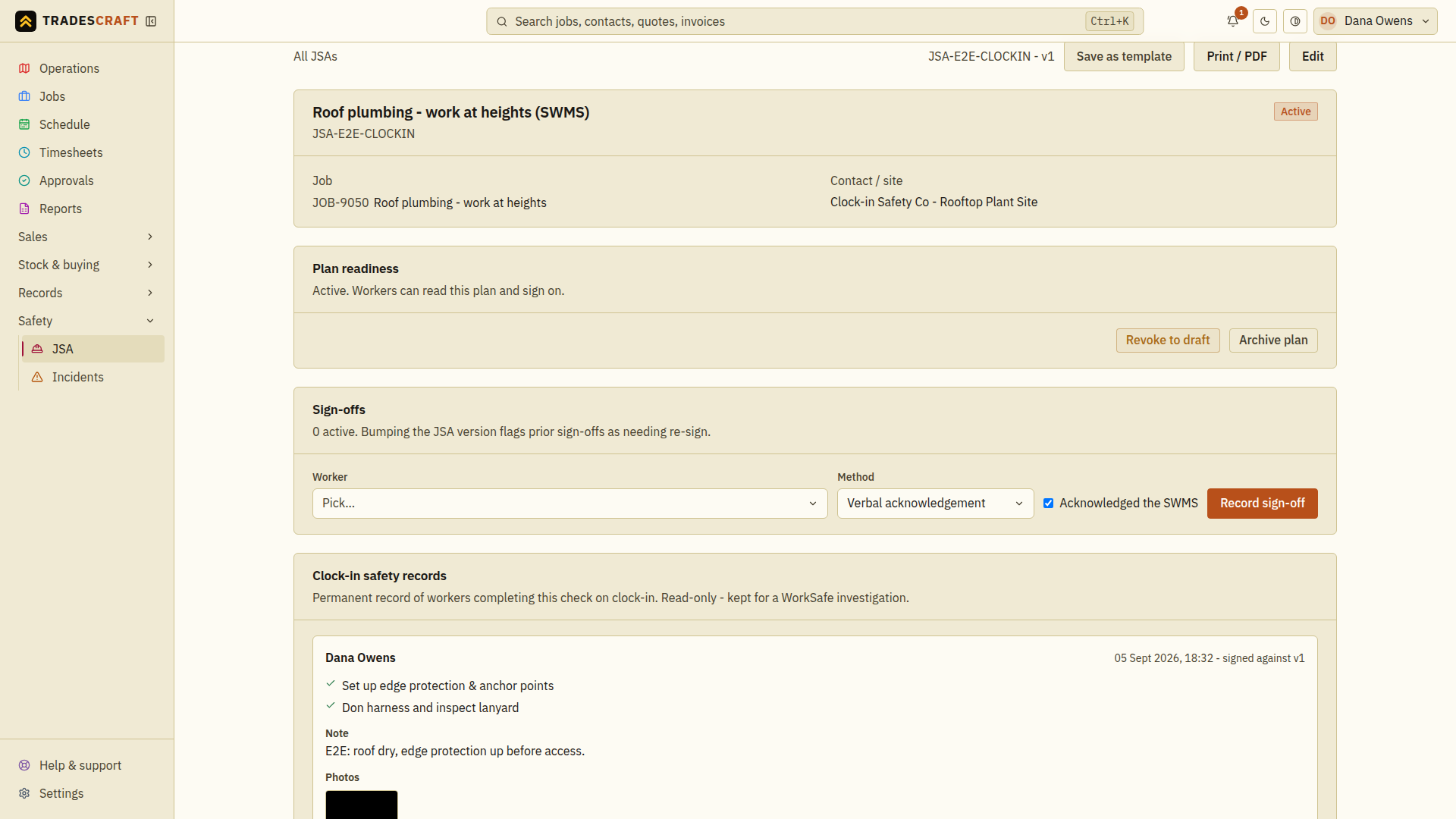
Save it against the job. It starts as a draft - it doesn't go live until the Plan readiness checklist is all green and you tap Activate. Once active, the plan can be presented when workers clock on. Whether it is required depends on the plan's clock-in setting and the account-wide Compliance feature. The resulting clock-in checks are stored as read-only records tied to the plan version. (See Activate, revoke or archive a JSA for the full lifecycle.)
Tips
- Build common ones once and Save as template, then start future JSAs from it.
- A JSA that's changed is flagged needs re-signing, so the crew re-confirm against the new version.