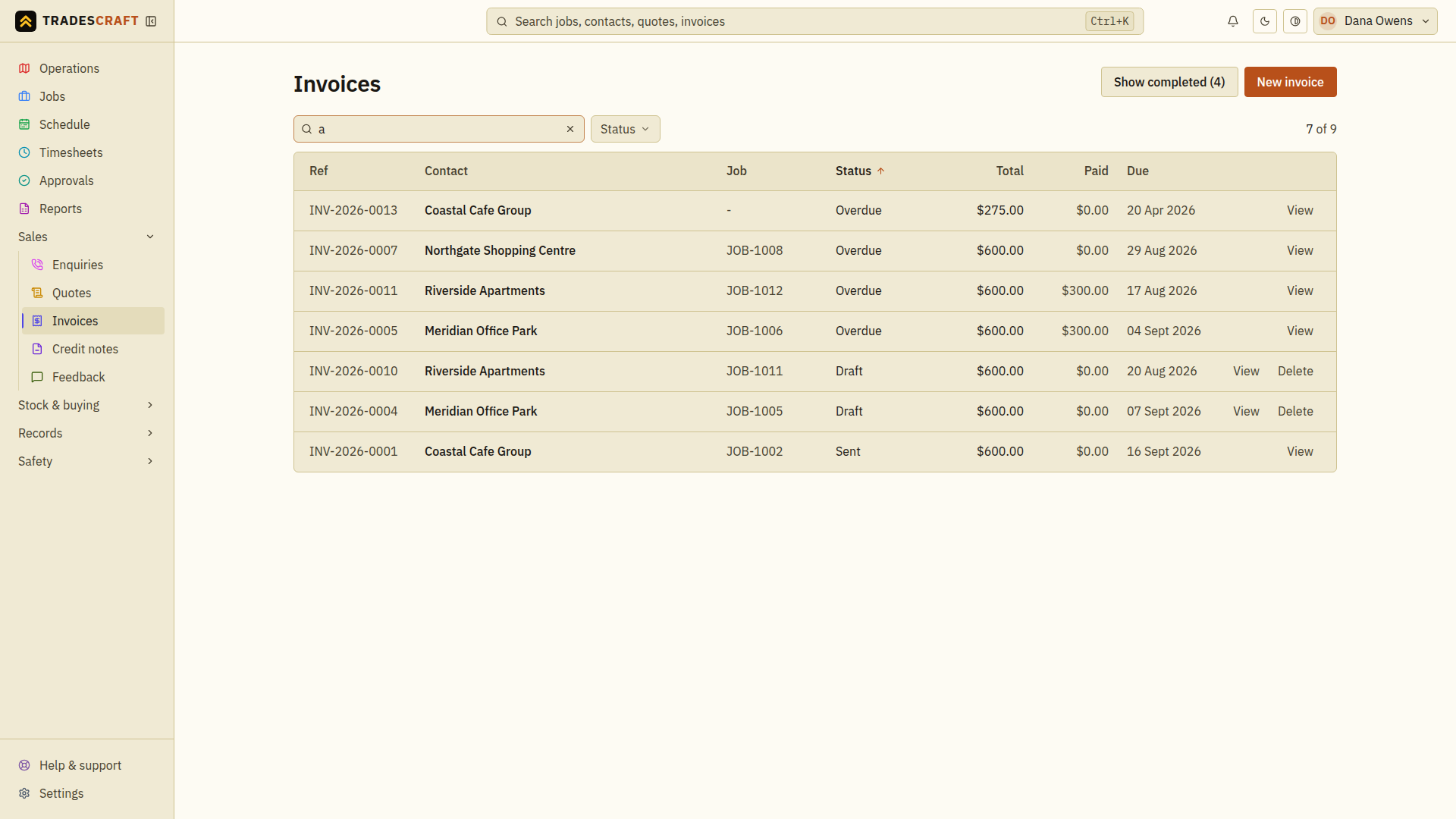
Invoices lists everything you've billed, paid and outstanding. Open it from Sales → Invoices.
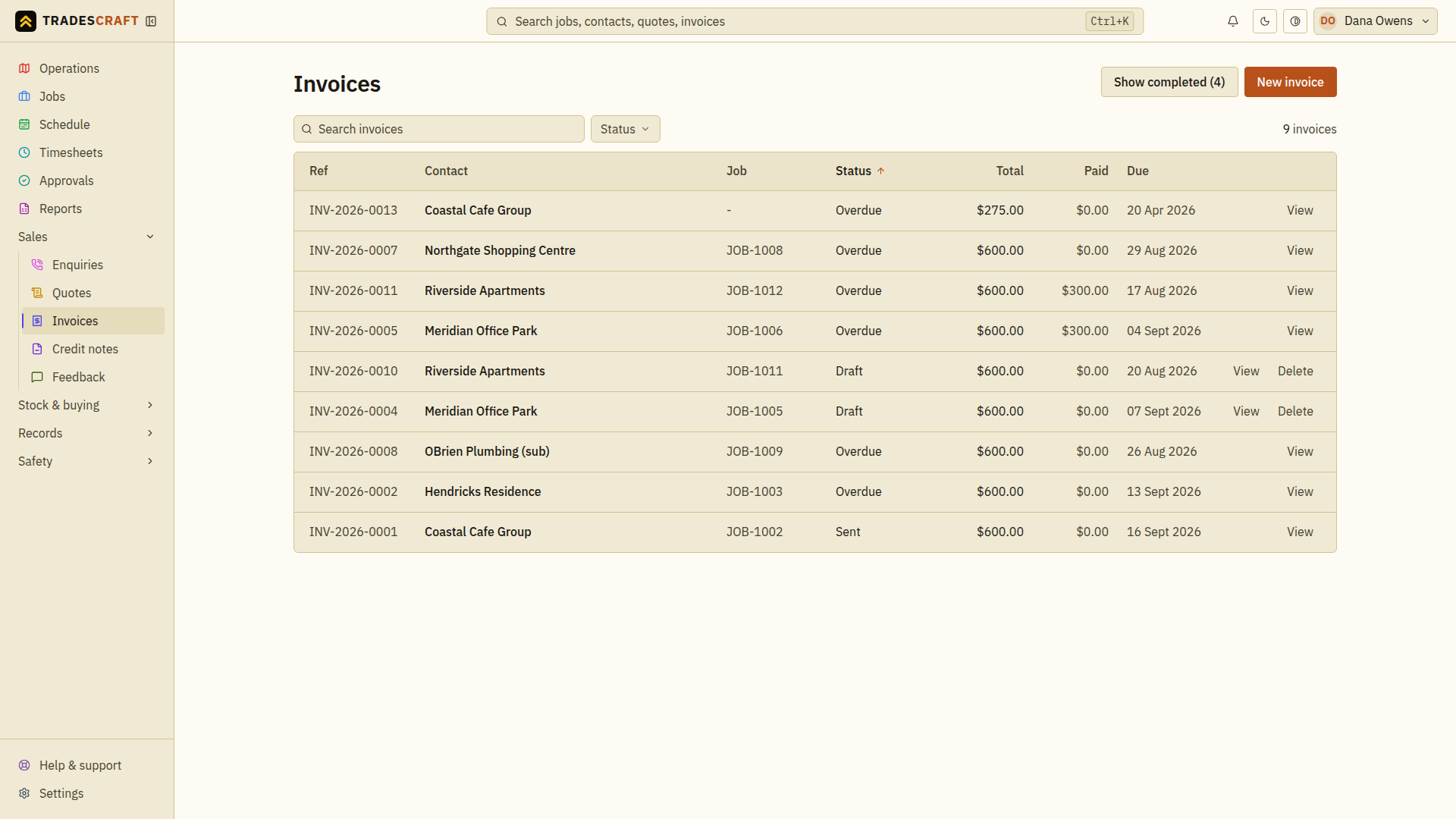
What's on the list
Each row shows the invoice number (INV-…), the customer, the total, what's outstanding, and its status (draft, sent, part-paid, paid, overdue). Overdue invoices are flagged so you can chase them.
- New invoice (top-right) starts a new one.
- Sort by status or amount; search by number or customer.
Find what you need
- Search the list for the invoice reference or customer. Use Status when offered to narrow the results, then open the matching invoice.
- Check Outstanding on the invoice itself before chasing payment. Its original total can differ from the amount still owing after payments or credits.
- Follow Invoice details to record money received, or Send a reminder to chase an issued balance.
If you cannot find an invoice, clear the search and filters first. Do not create another invoice just because the first one is hidden by the current view.