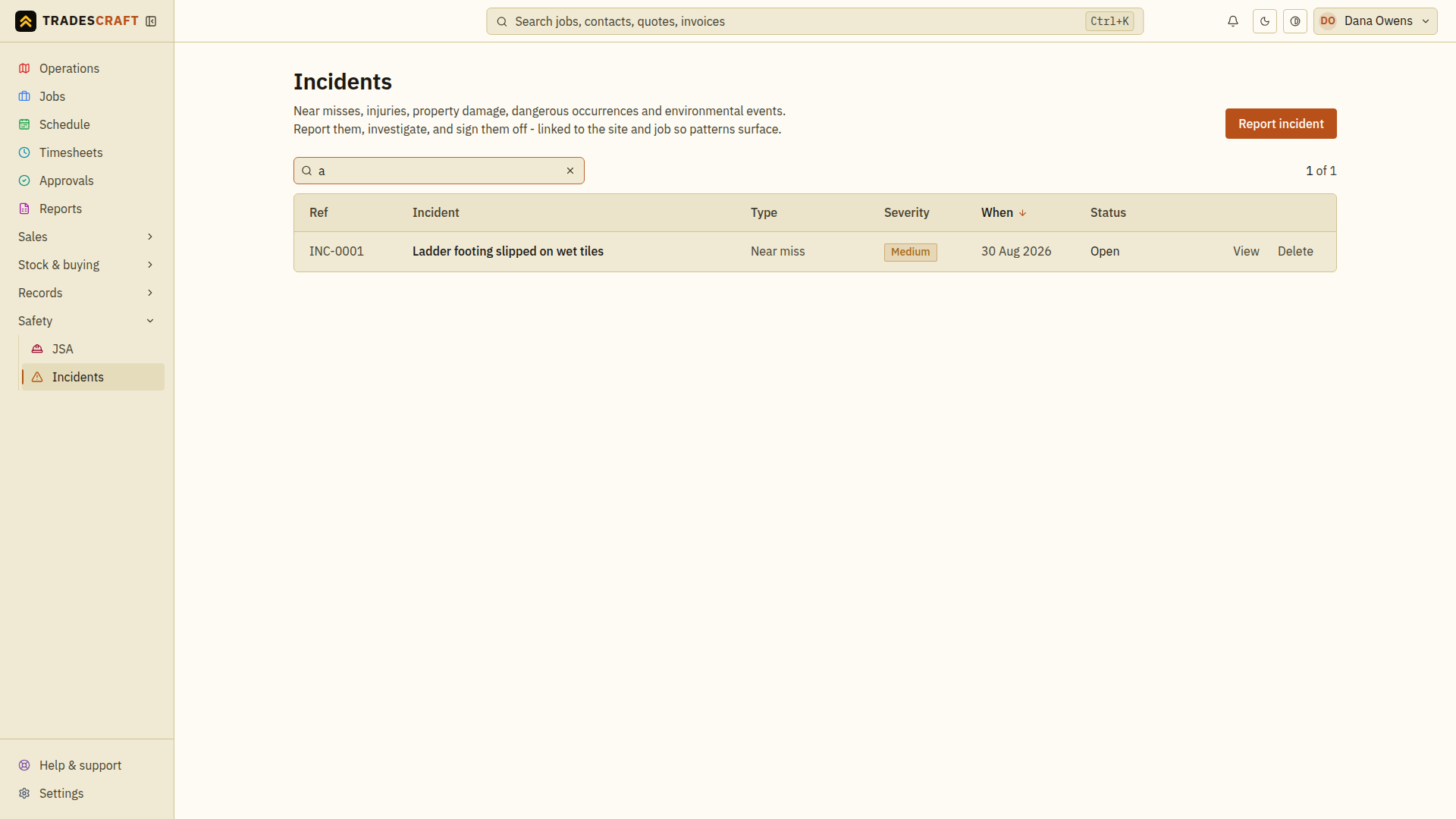
Incidents is your safety record - anything that went wrong or nearly did. Logging them is both good practice and often a legal requirement. Open it from Safety → Incidents.
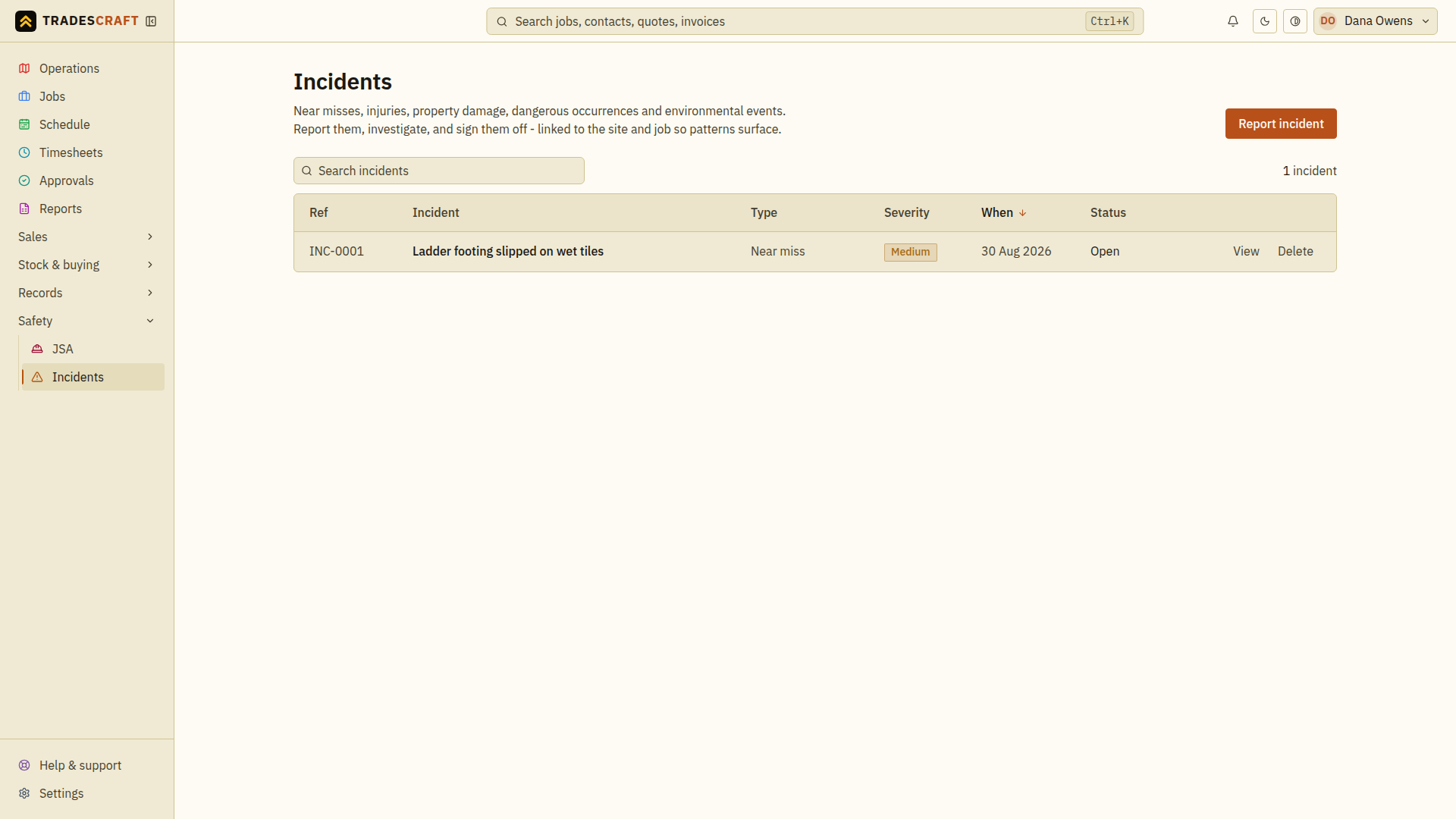
What's on the list
Each row is a logged incident, with what happened, the job/site, the date and its severity. Click one to see the full report and any follow-up actions.
- Report incident (top-right) records a new one (also available from a job).
Find what you need
- Search for words from the incident title or report.
- Check the date, site/job and severity before opening the matching row.
- Read the recorded response and outstanding follow-up actions. Use the incident guide to update and close out the record after the actions are completed.
Clear the search to see all records again. Reporting or closing a record here is separate from notifying a regulator or arranging the response on site.