
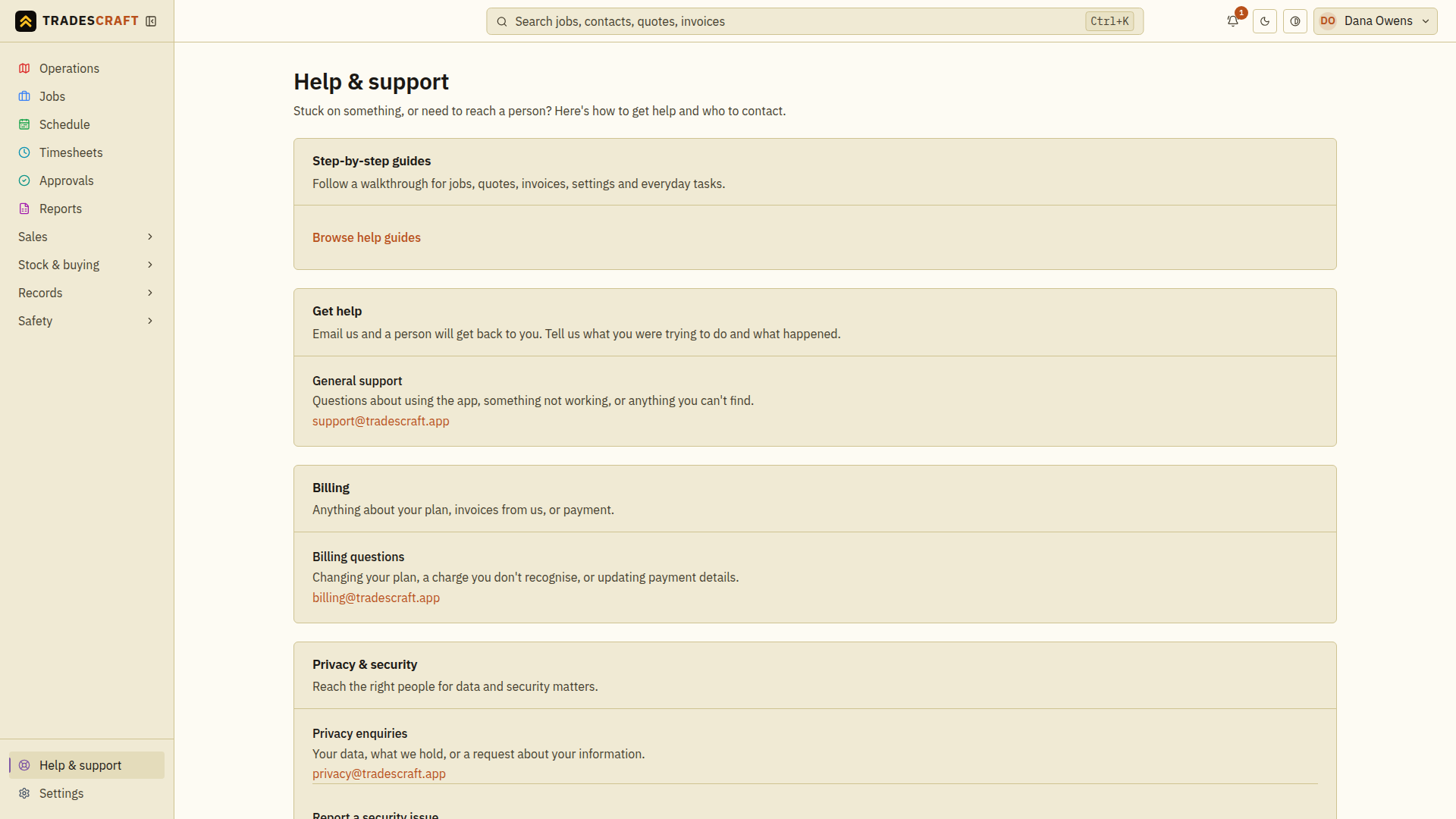
Open Help & support at the bottom of the menu. It links to step-by-step guides and lists support contacts and legal information.
Follow a guide
- Choose Browse help guides, or open Tradescraft Help.
- Search for the task you want to do, such as “create quote”, or choose a topic.
- Open the article, check its starting point and follow the numbered steps. Select a screenshot to inspect it; press Escape to close its preview.
- Use Back to app when you are ready to continue your work.
On a phone, expand Browse help topics to browse the guide list.
Contact the right team
- Open Help & support.
- Choose General support for using the app, Billing questions for your Tradescraft subscription, Privacy enquiries for personal-data questions, or Report a security issue for a vulnerability.
- Open the email link and write what you were trying to do, which page you were on, what happened and the exact error message. Include the job or invoice reference if relevant.
- Send the email from your mail app. Opening the link alone does not send it.
If no mail app opens, copy the address on the screen into your usual email app. General support is support@tradescraft.app. Do not include passwords, authenticator codes, recovery links or full payment card details. If you attach a screenshot, remove unrelated customer information.
Before you send
Check that you are in the intended business and that your role permits the action. A missing menu item may need your business administrator's help. For an error after saving or sending, refresh the record and check its current state before repeating the action. Note whether the error is still happening.