
The lead-time calculator projects when a job will be ready from the times and waits you enter - setup and run time, the machine backlog and material delivery you're waiting on, outside processes, and a safety buffer. Use it to check a proposed turnaround before quoting. Open it from Machines → Lead time calculator.
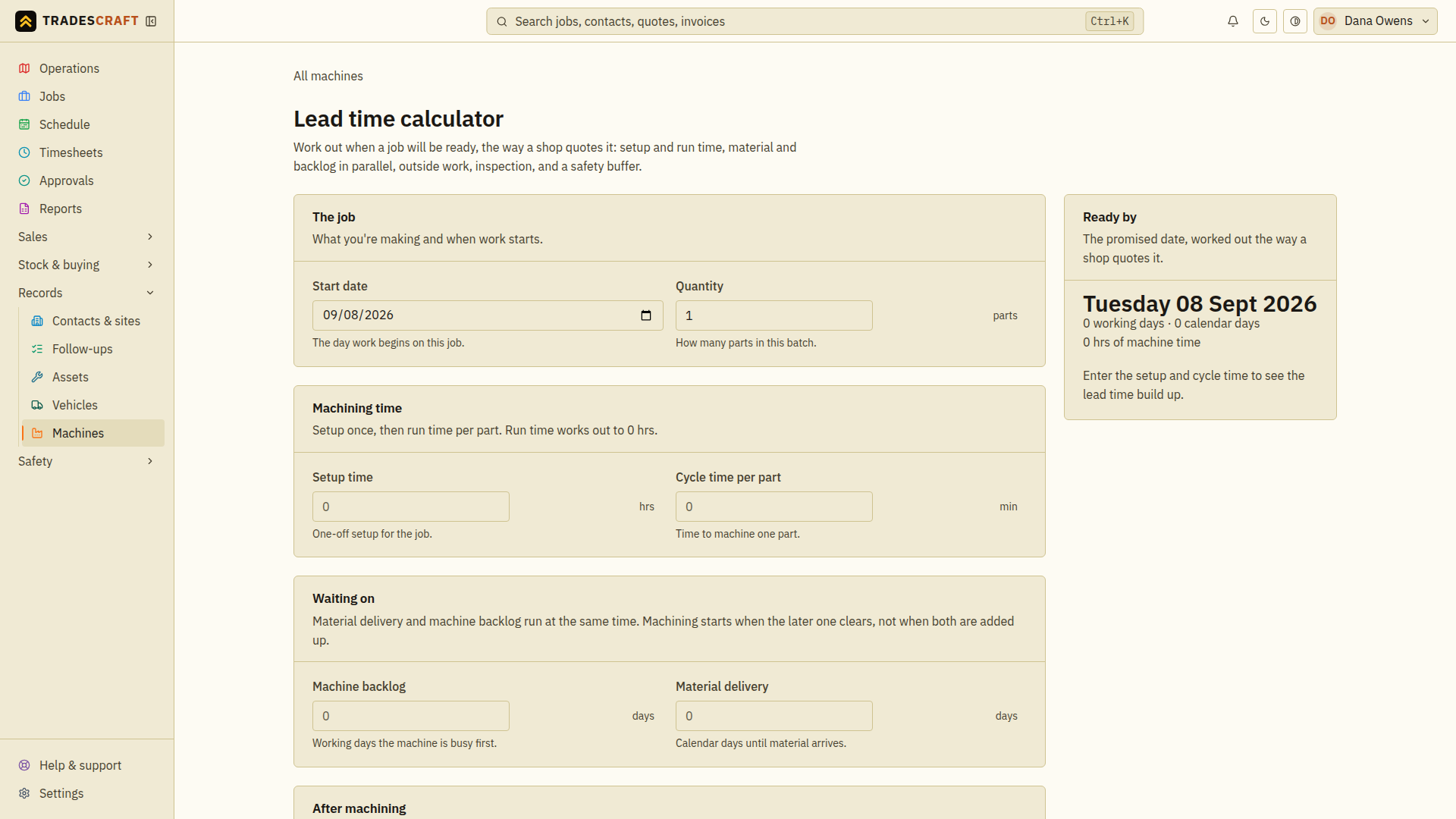
How it works
You fill in the job's numbers and it does the maths:
- The job - start date and quantity (how many parts in the batch).
- Machining time - one-off setup, plus run time per part.
- Waiting on - working days the machine is busy first (backlog) and calendar days until material arrives.
- After machining - days at outside processes (plating, heat-treat) and time to inspect and finish.
- Your working day - machining hours per day, whether you work weekends, and a safety buffer to pad the quote.
As you type, the Ready by date updates live. Check it against actual supplier lead times and the workshop schedule before quoting; the calculator does not reserve the machine or guarantee that materials will arrive.