
Start a new hazard
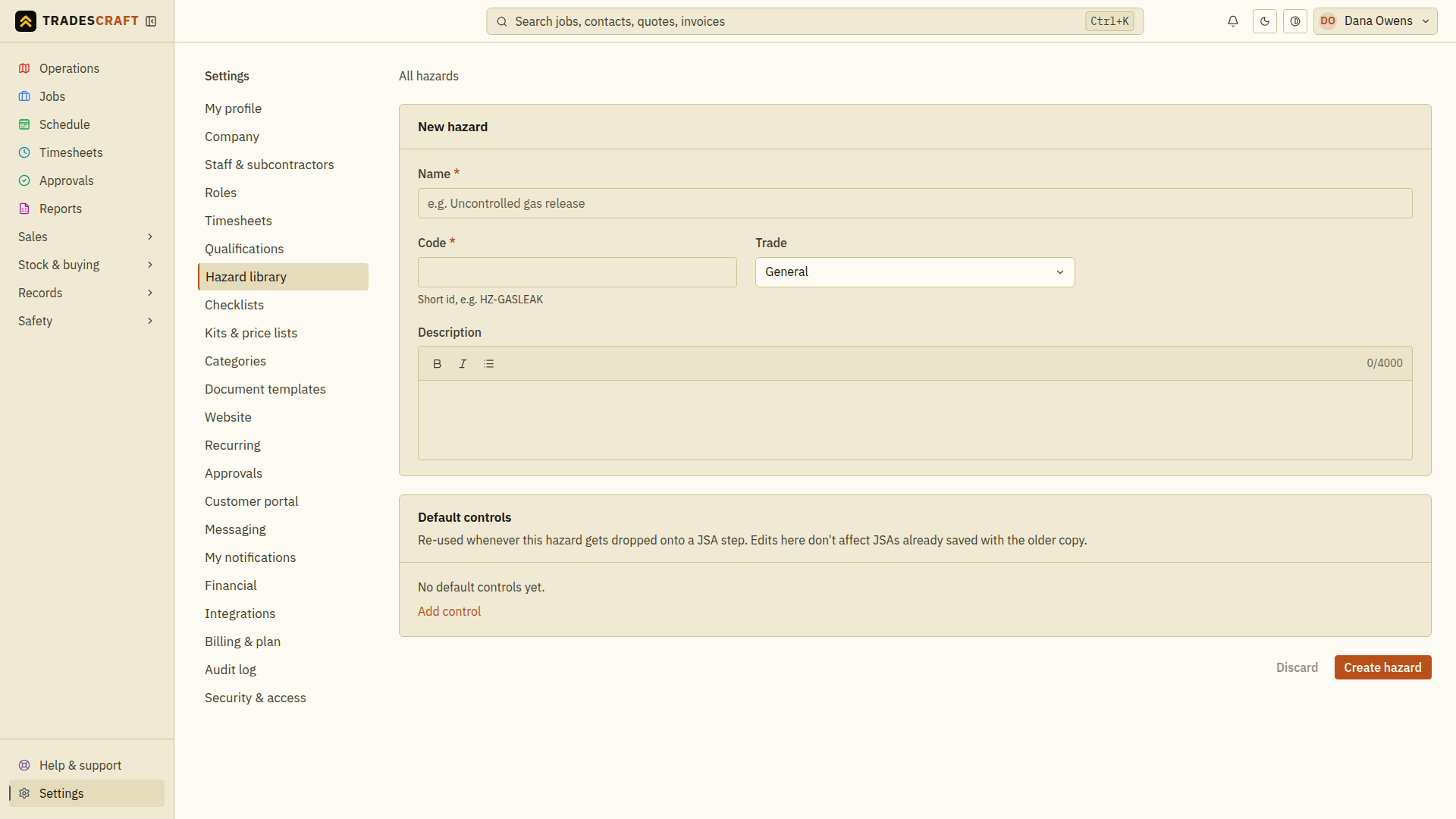
From Settings → Hazard library, tap Add hazard.
Describe it and its controls
- Name (required) - the hazard, e.g. "Working at heights".
- Code (required) - a short id you'll recognise, e.g.
HZ-HEIGHTS. - Trade and description - what it is and where it applies.
- Default controls - add a row per control and tag each with where it sits in the hierarchy of control (Eliminate, Substitute, Isolate, Engineering, Administrative, PPE). These ride along whenever the hazard is dropped onto a JSA step, so you set the safe method once.
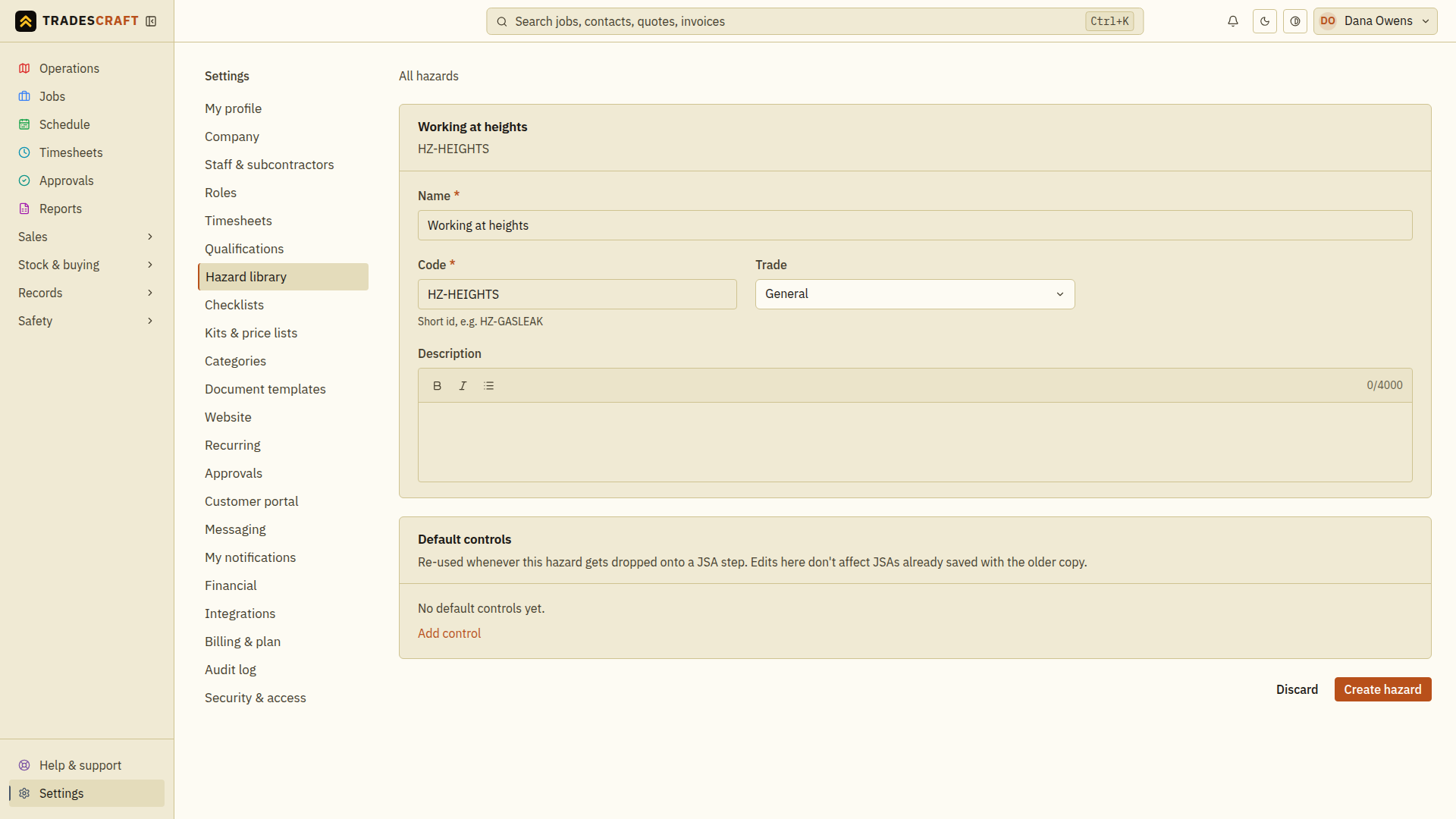
Tap Create hazard to save it.
It's in your library
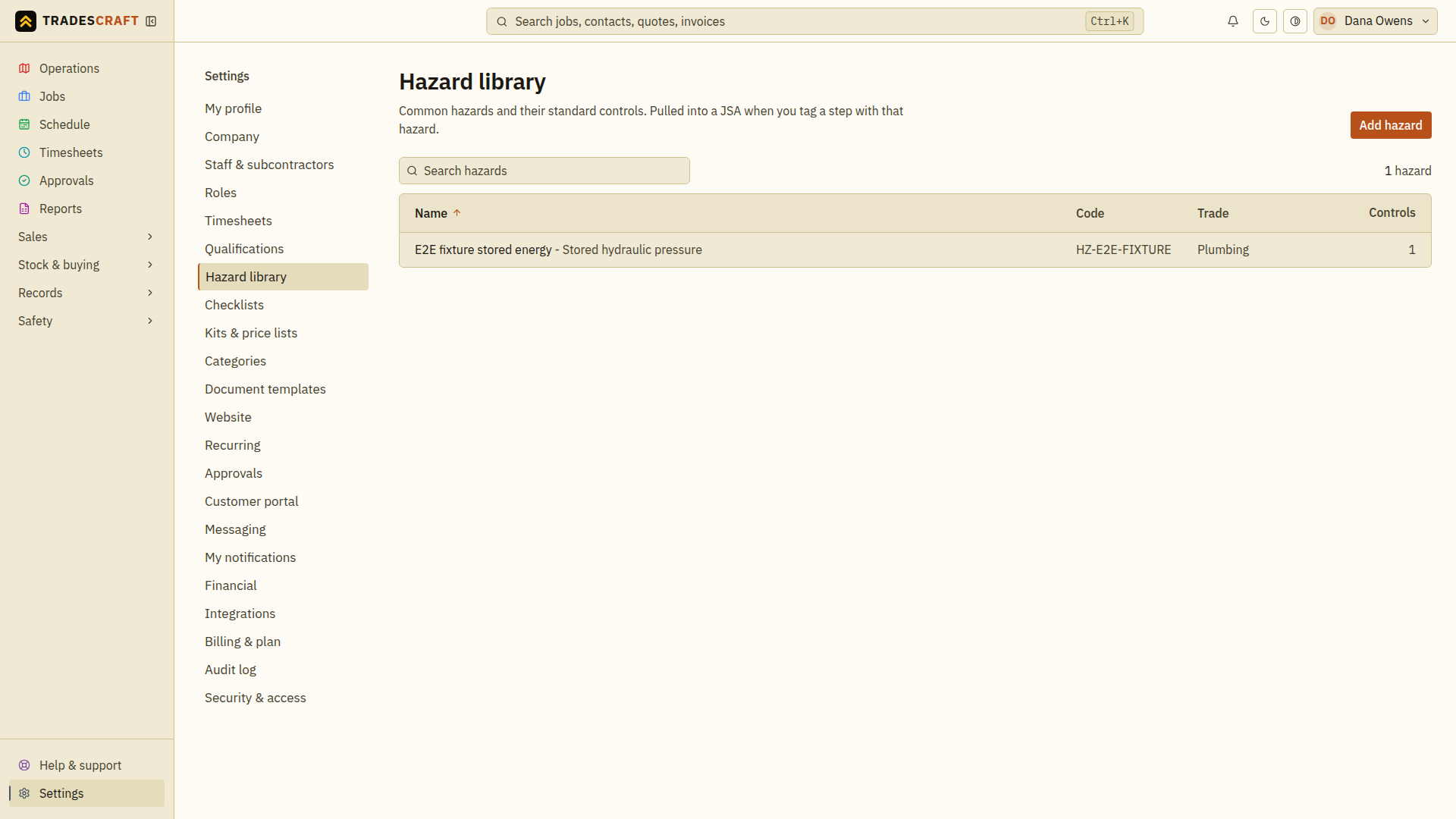
The hazard joins your library, ready to pull into any JSA - which brings its controls with it.
Check what you saved
After saving, search the library for your hazard name or code and open it to check its controls and ratings. When you later add it to a JSA, review those defaults for that site and task; a library entry is only a starting point.