
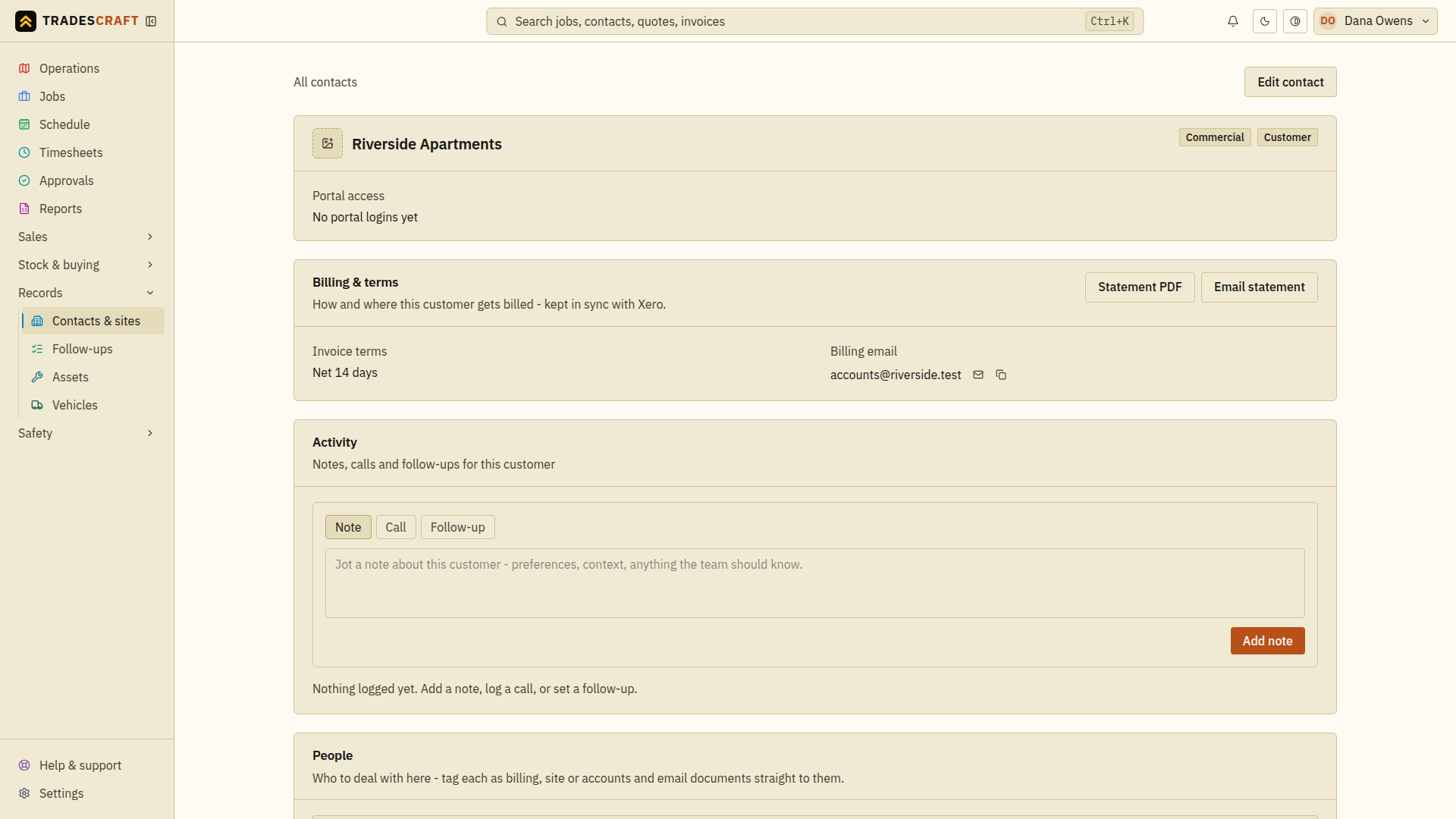
For a commercial customer, you can add their logo to their contact page, so their brand is recognisable at a glance when you open them. It sits on the identity card at the top of the contact. Open the contact from Records → Contacts & sites.
Add or replace it
- Open the contact (Records → Contacts & sites → the customer).
- On the identity card at the top, tap the logo swatch (it reads Add a logo when there isn't one yet).
- Pick a PNG or JPG (up to 5 MB). It uploads and shows straight away.
- To replace it later, tap the swatch again and pick a new file.
Remove it
Hover the logo and tap the X to remove it.
Good to know
- This is the customer's logo (their brand) - separate from your company logo, which you set in Company details and which prints on your quotes and invoices.
- The logo only appears on commercial contacts, not individuals.