
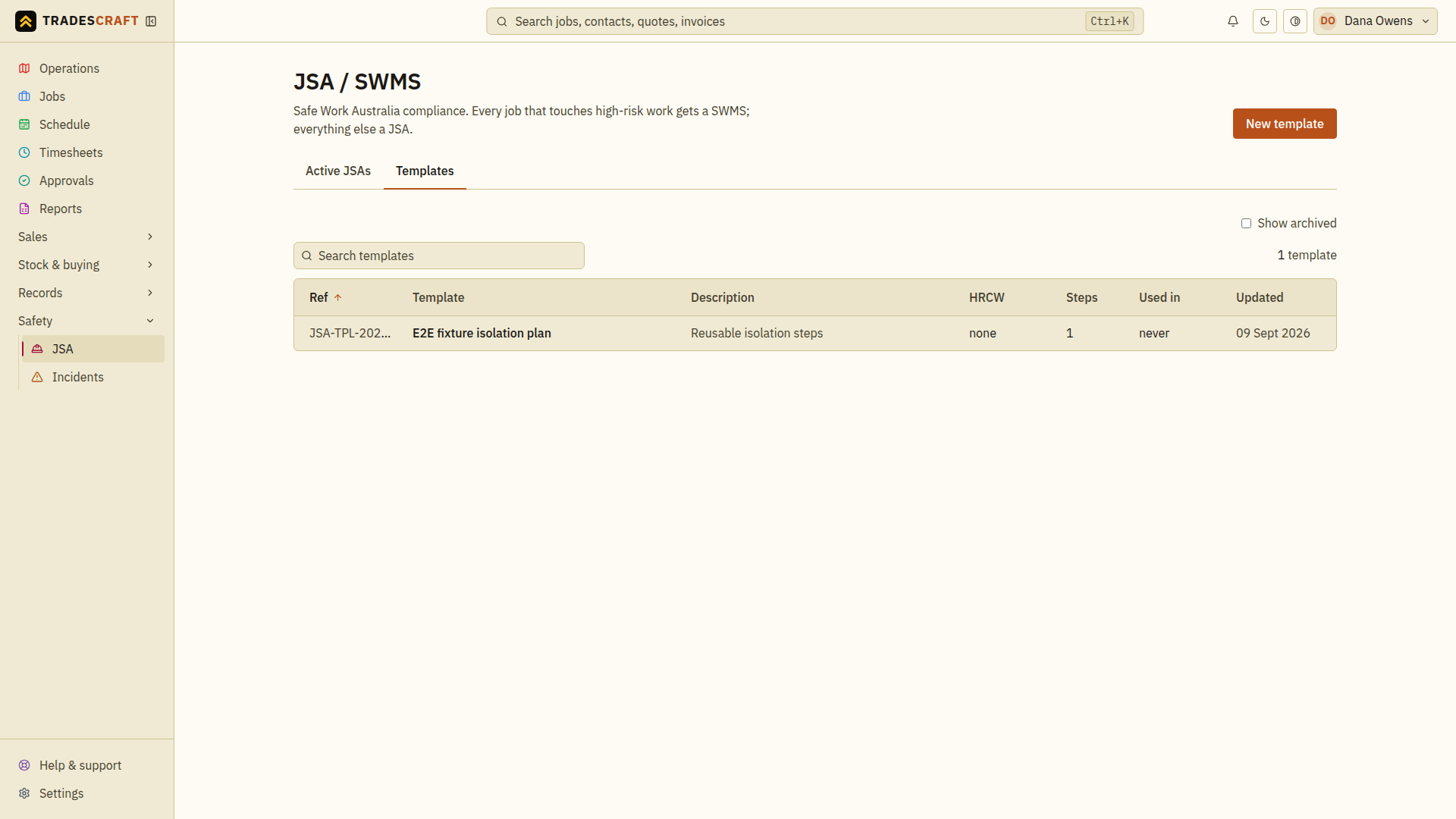
Most of your jobs share the same hazards. A JSA template is a saved method statement you can drop onto any job and tweak. Open it from Safety → JSA → Templates.
What you can do
- See your saved templates (e.g. "Hot water swap", "Excavation", "Working at heights").
- New template (top-right) with its standard steps, hazards and controls.
- Open a saved template to review its steps, then choose Edit to update tasks, hazards and controls before reusing it.
- When you raise a JSA on a job, start from a template and adjust for the site.
Tips
- Build a template for each kind of job you do regularly - it makes raising a job-specific JSA much quicker to prepare and review.
Prepare and use a template
- Choose New template, give it a recognisable title and add the recurring task steps, hazards and controls. Save the template and reopen it to review them.
- Start the job's JSA and select the intended template. Check that the copied steps match the kind of work you are about to do.
- Fill in the actual job/site details and revise the hazards, controls and risk ratings for current conditions. Save the job's draft plan.
- Follow Activate a JSA to review readiness and make that plan active. Saving the reusable template does not activate a job's plan.
If the template is missing, return to the template list and check that it was saved. Review an existing job plan separately after changing a template.