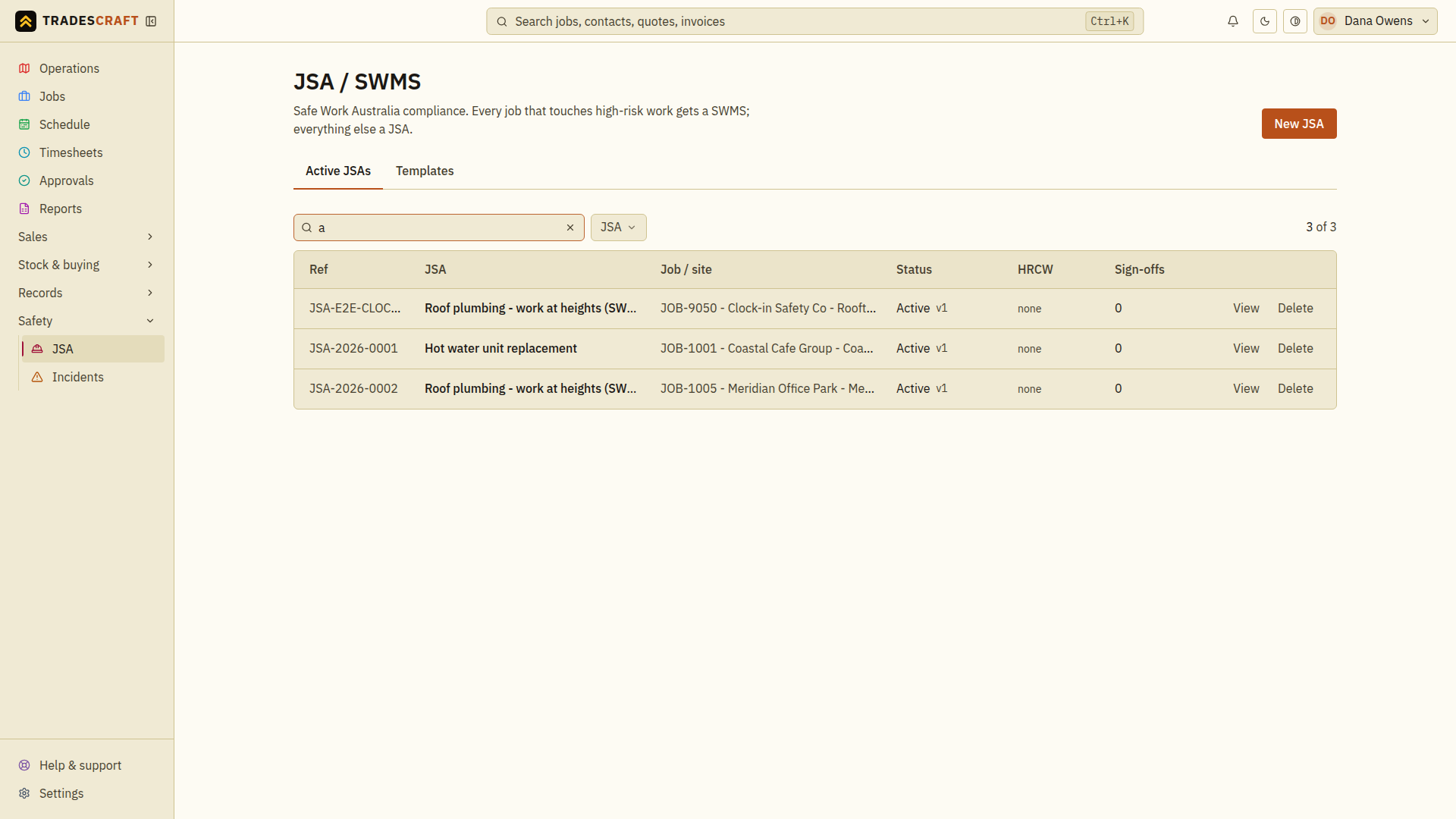
A JSA (Job Safety Analysis) or SWMS (Safe Work Method Statement) sets out the hazards on a job and how you'll control them. Tradescraft keeps each plan with the job. Active or Signed plans are presented before clock-on when the plan's own check or the business's Compliance setting requires them. Open the list from Safety → JSA.
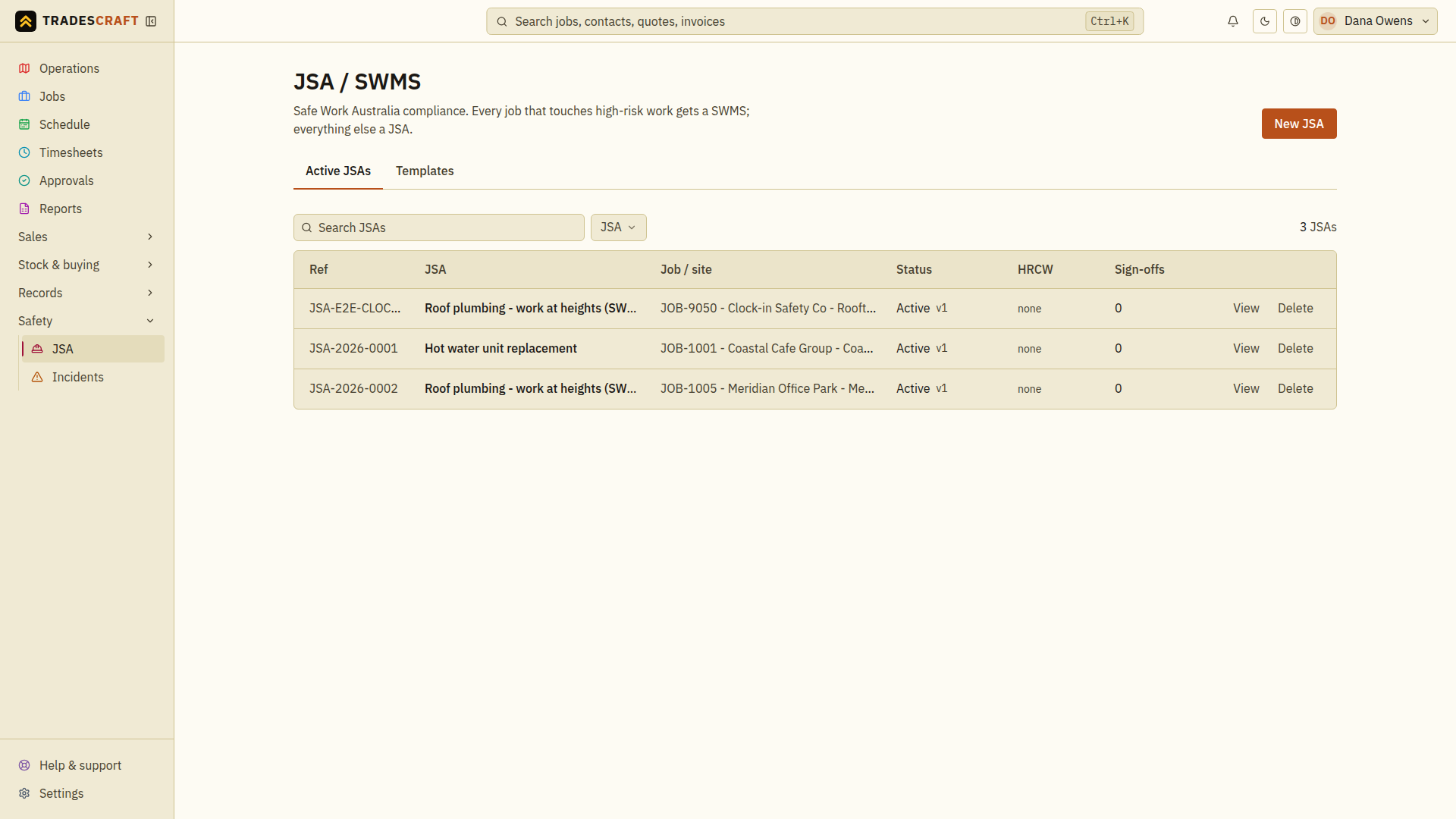
What's on the list
Each row is a JSA, with the job it covers, its risk level and status, and a flag when it needs re-signing (after a change or when it's due for review).
- New JSA (top-right) starts one.
- Click a row to open it, review the steps and risks, and see who's signed on.
Find what you need
- Search for the plan title or job, then check the matching row's status.
- Open the plan and confirm it belongs to the intended job and site. Review its steps, hazards and controls before relying on it for this work.
- For a draft, follow Activate a JSA. For a changed plan, check which workers need to acknowledge the current version.
Clear the search and status filters if the plan is missing. A draft in this list is not an active clock-on check; activation and the applicable clock-on requirement must be configured separately.