
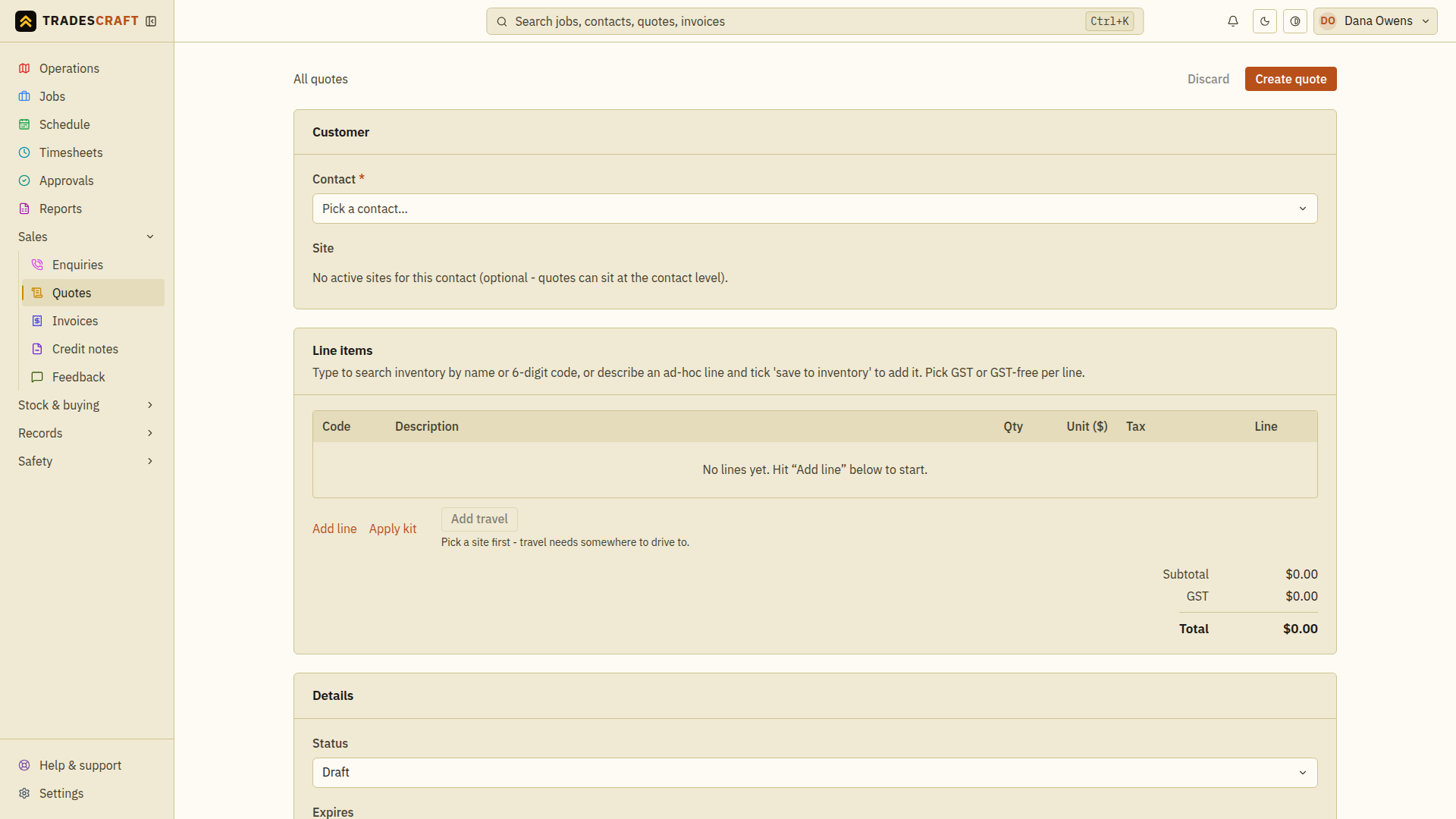
Charging for the drive to site? Instead of guessing a call-out fee, Tradescraft works out the driving distance from your HQ to the site and prices it at your saved travel rate. Australia and New Zealand use kilometres; the United States uses miles. The Add travel button sits under the line items on a quote or an invoice (on both the form and the detail page).
Before you start
The button needs three things set up (it'll tell you which is missing, and stays disabled until they're sorted):
- Your HQ address - Settings → Company.
- Your travel rate (dollars per kilometre in AU/NZ or dollars per mile in the US) - Settings → Financial.
- A map pin on the site - open the site if it doesn't have one yet.
Add it
- On the quote or invoice, add your line items, then tap Add travel (under the lines).
- The popover works out the driving distance HQ → site and the drive time, and prices it at your rate. Pick one-way or round-trip - the distance, time and dollar figure update instantly.
- Confirm to drop it in as a line on the quote/invoice, described so the customer can see what it's for.
Already added travel and the site or rate changed? The button reads Recalc travel - tap it to re-work the distance and price against the current rate.
Adjust the rate on the line
If your role can adjust travel, the popover also has markup and discount fields (percentages) - handy for a premium call-out or a goodwill discount on the drive. Without that permission the line is simply your set rate × distance.
Good to know
- The rate is frozen onto the line at the moment you add it, so later rate changes don't silently re-price an issued quote or invoice.
- Add it on the quote and it carries over when the quote becomes an invoice - no need to re-add it.
- Changing your standard rate? That's Settings → Financial; your HQ is Settings → Company.