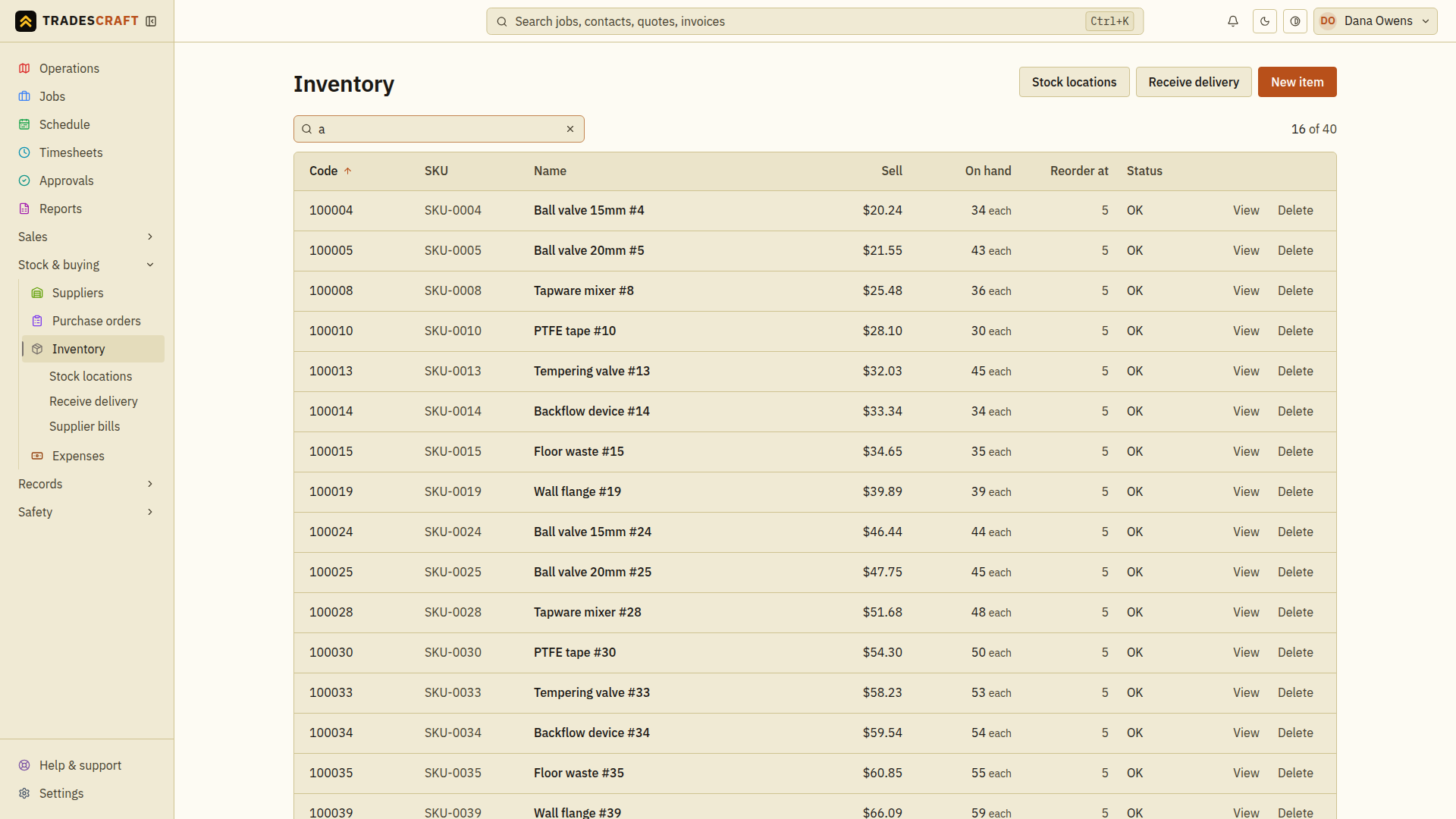
Inventory is your parts and materials. Open it from Stock & buying → Inventory.
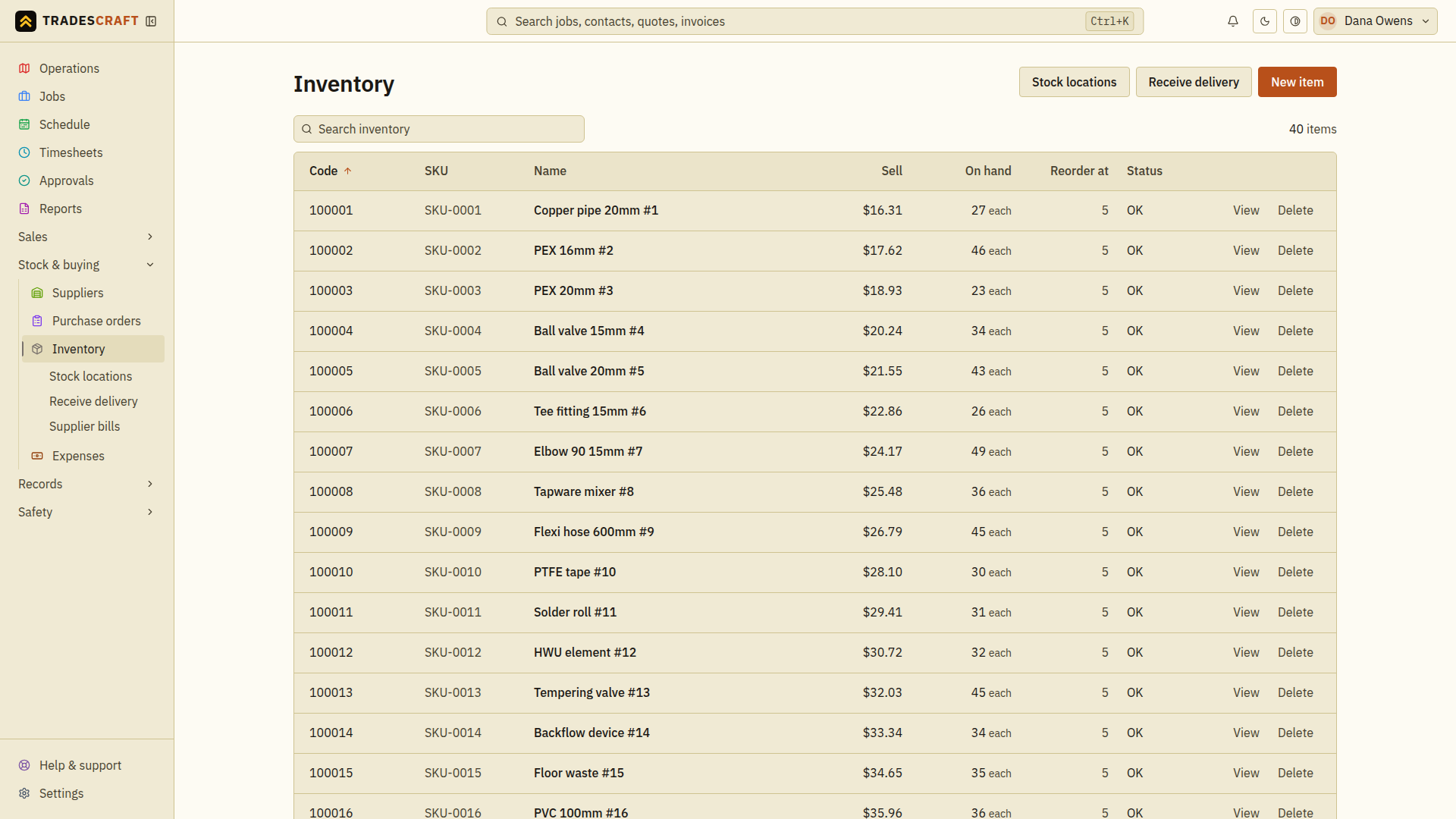
What's on the list
Each row is an item: its code, SKU (the item code you or your supplier uses), name, sell price, the quantity on hand, and its reorder point with a Low flag when stock drops to or below it, so you know to buy more.
Stock levels are worked out from a running history of movements (receipts, job usage, transfers, stocktakes). Review quantities before posting: an incorrect movement still changes the count, but its history helps you trace and correct it.
- New item (top-right) adds a part.
- Sort by name or quantity; search by code or name.
Find what you need
- Search for the item's name, SKU or six-digit code.
- Read On hand, Reorder at and the stock-status flag. Open the row to see which location holds the stock before sending someone to collect it.
- If more stock has arrived, use Receive stock. If you have counted the shelf and need to reconcile it, use Stocktake. Creating an item alone does not add stock.
Clear the search and any stock-status filter if an item is missing. A low-stock flag is a prompt to review purchasing; it does not place an order for you.