
Counts drift - breakage, miscounts, the odd part that walks. A reconcile lets you enter the real counted figure and the system records the adjustment. Open Stock & buying → Stock locations, then tap Reconcile counts.
Pick the location
Choose the van or warehouse you're counting. Tradescraft lists every item held there with its current on-hand figure.
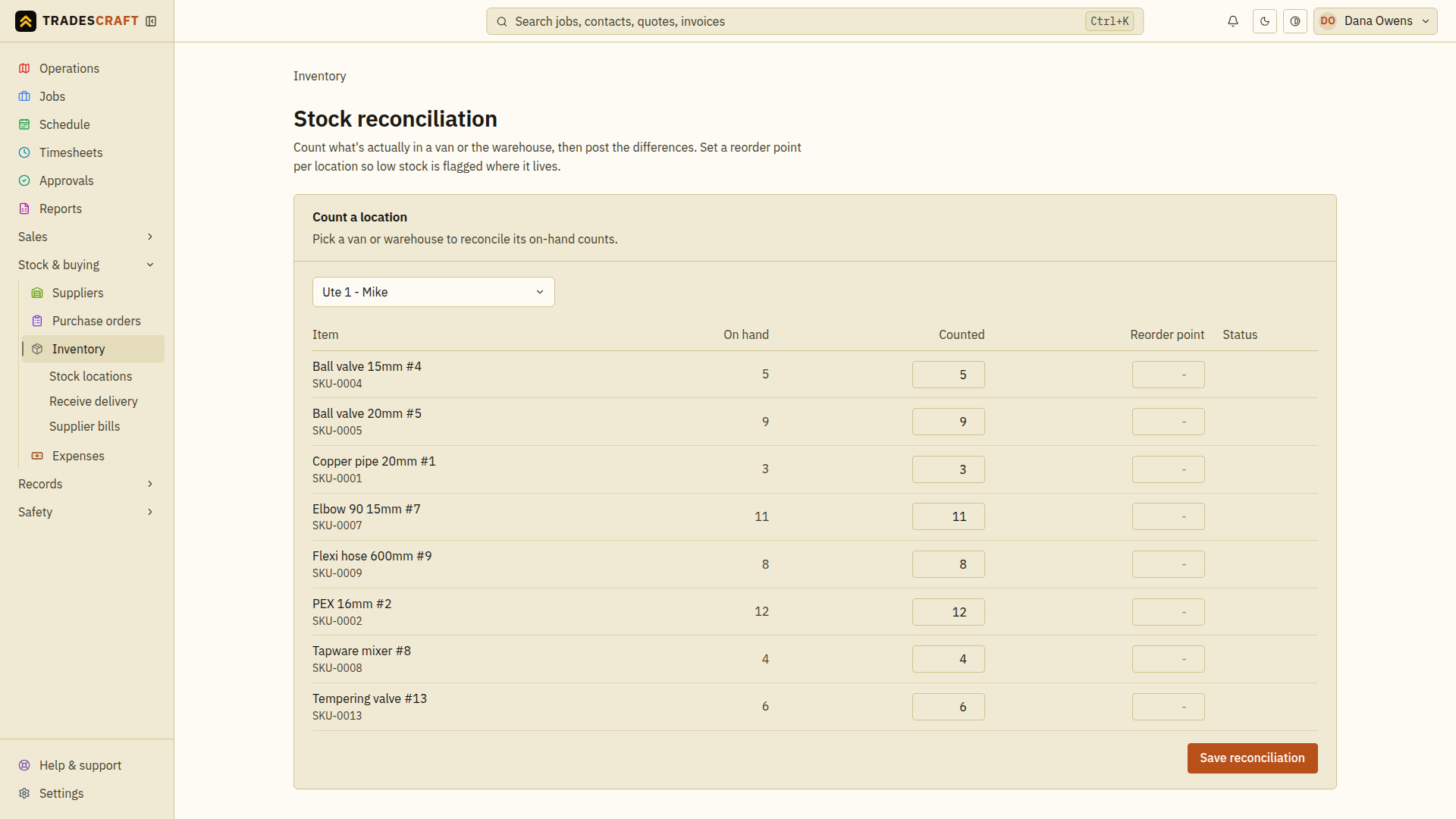
Enter the counted figures
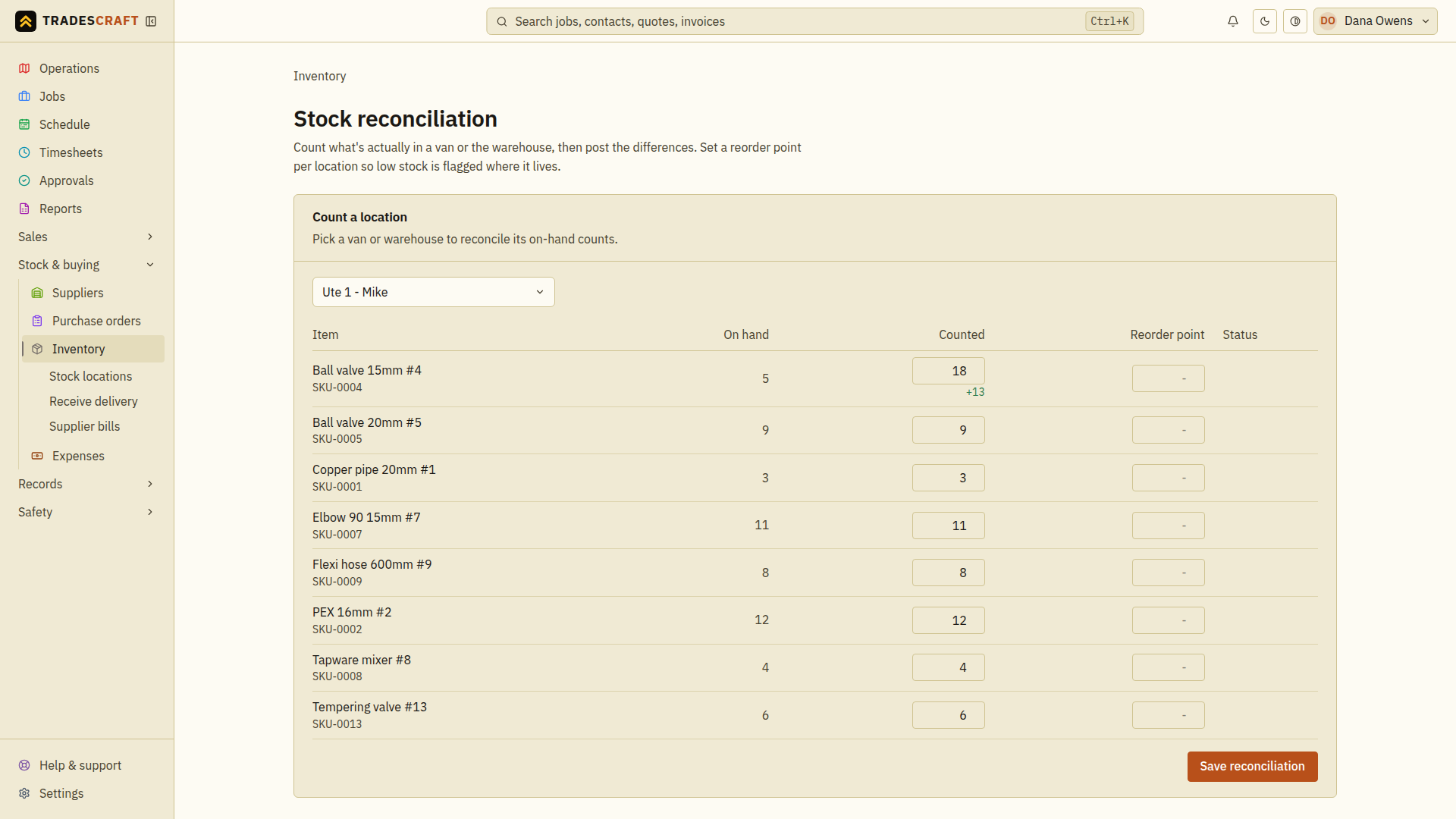
Go through your stock and type the real count against each item. Tradescraft shows the difference next to it - green if you found more, red if less - so you can see at a glance what's drifted. You can also set a per-location reorder point here while you're at it.
Save
Tap Save reconciliation. The adjustment is logged in each item's history (so you can see when, and by how much, it was corrected) and the on-hand count is set to your counted figure.
Check the result or resolve a changed count
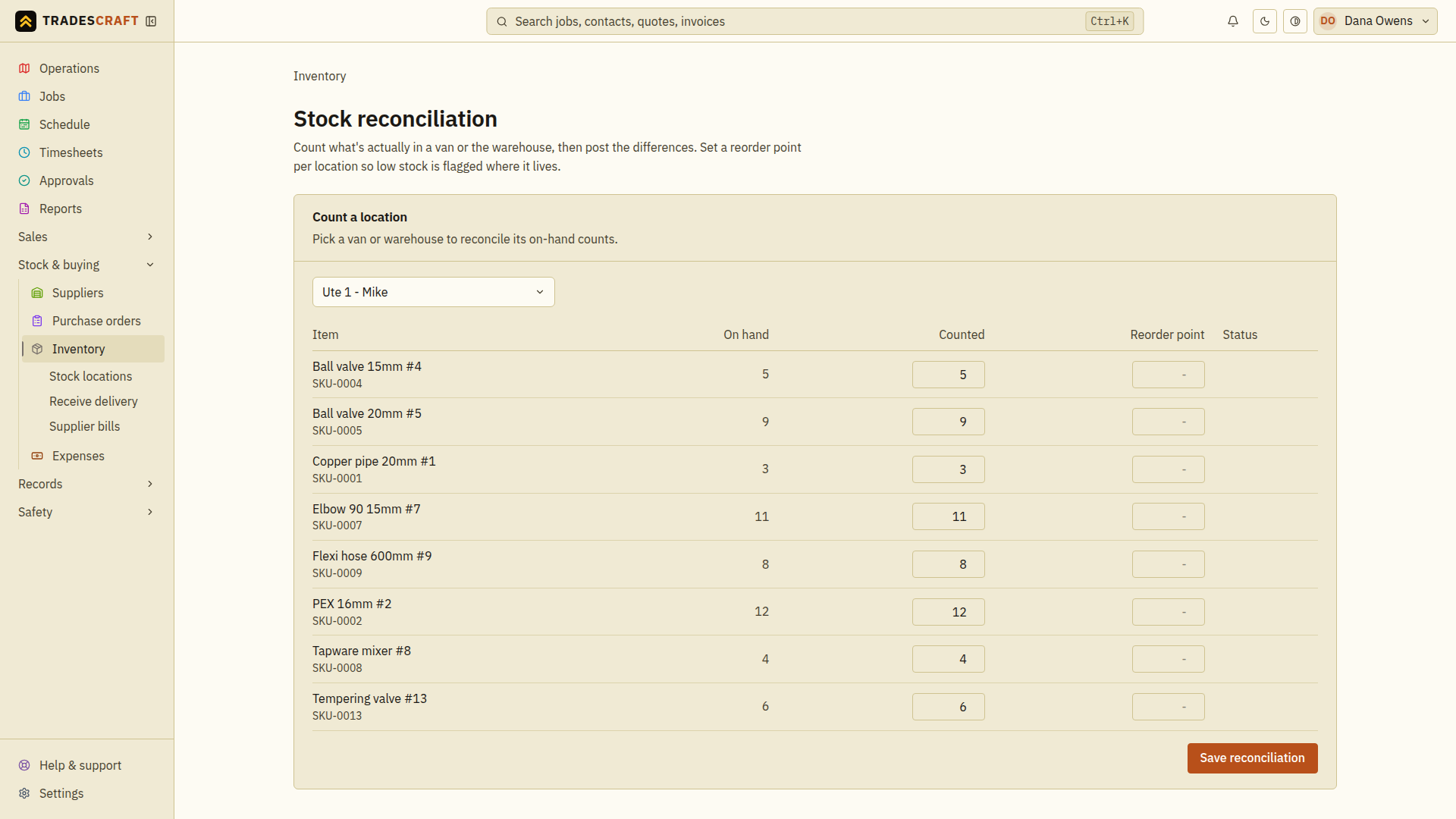
Wait for Reconciliation saved, then check the refreshed on-hand figures for the location. Enter an absolute count: if the shelf holds 8, enter 8, not the number missing or the amount to add. Use zero only when you counted none.
If stock moved after you loaded the page, refresh and count the affected items again before saving. If the counts saved but a reorder-point update failed, check the refreshed values and retry the remaining threshold change; do not post a second manual adjustment for the same count.