
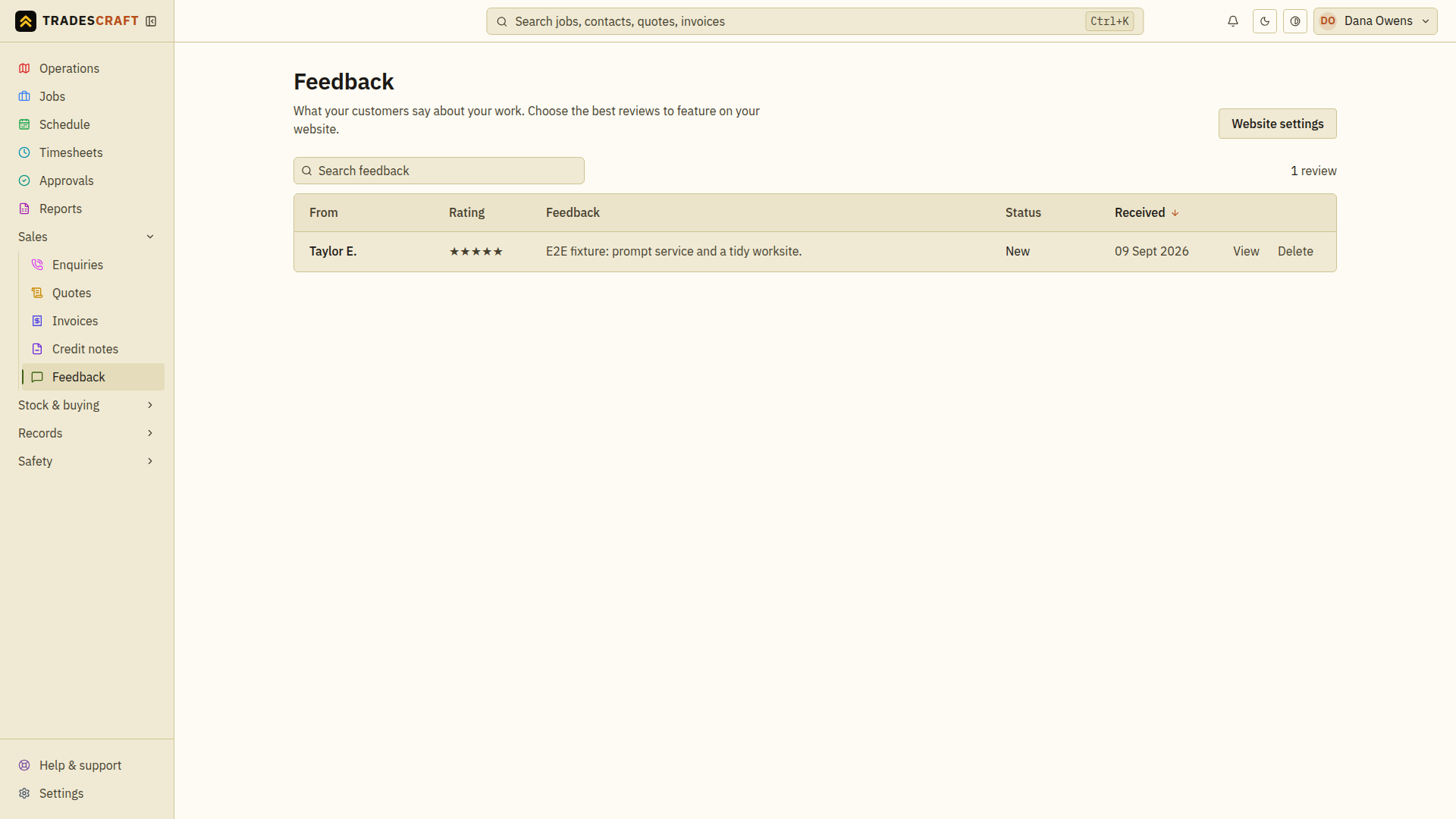
Feedback collects the star ratings and comments customers leave after a job. Customers leave it through your public Tradescraft website and directory listing (the website add-on) - there's nothing to send per job; reviews drop in here as they come. Open it from Sales → Feedback.
What's on it
- Each review's author name, rating, comment, date and moderation status. The form does not link the review to a verified customer job; check the content before publishing it.
- You choose which reviews to show on your website and directory listing - only ones you approve appear publicly, and your public star rating is the honest average of those.
Open and moderate a review
Click a review to open it. From the review you can:
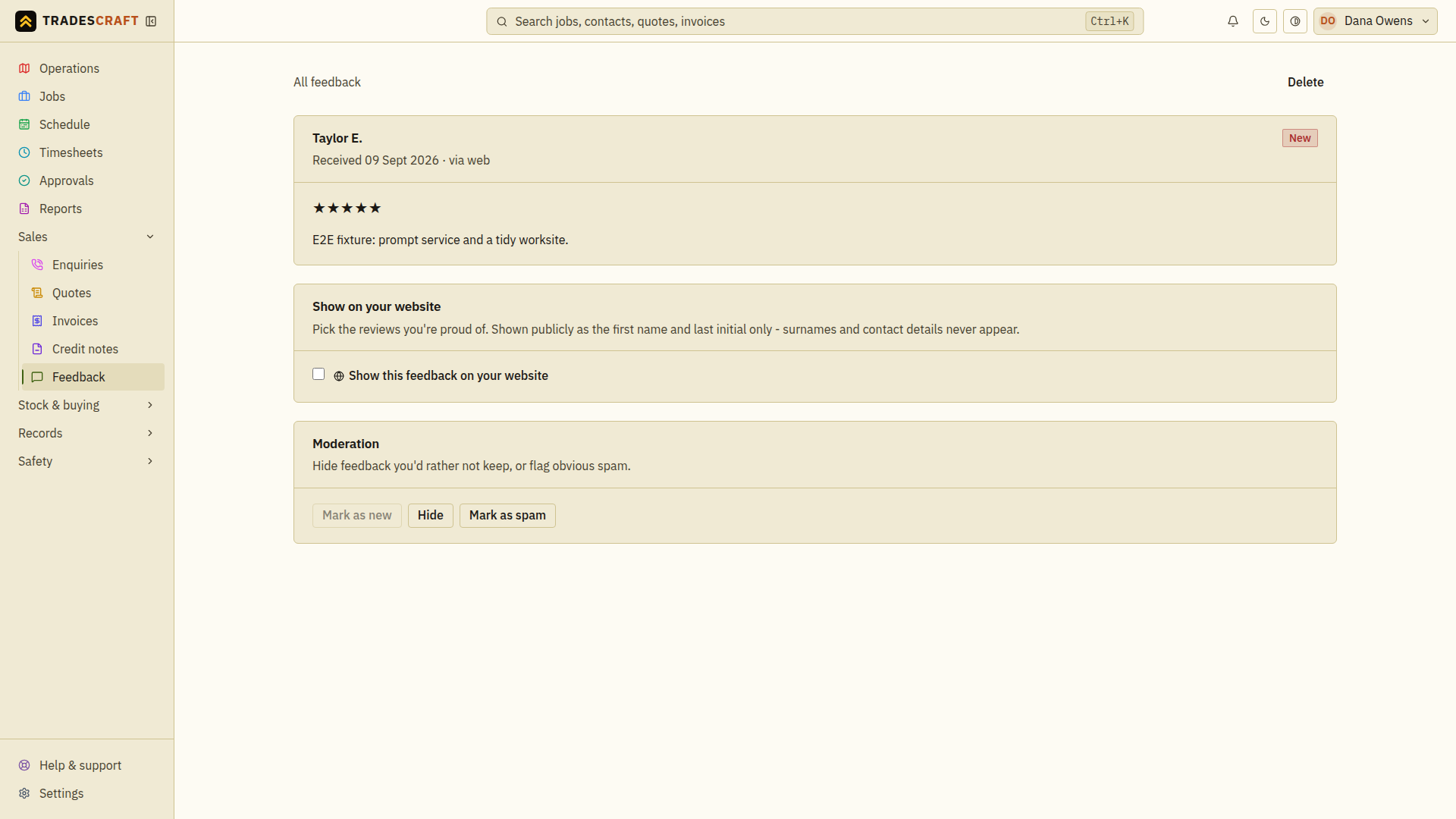
- Toggle Show this feedback on your website on or off - this is what puts it (or pulls it) from your public listing. (It's greyed out until your website add-on is active. It also stays greyed out if the live add-on status cannot be verified, rather than guessing that publishing is allowed.)
- Use the Moderation actions: Hide a review you'd rather not keep, Mark as spam for obvious junk, or Mark as new to send it back to the top of the pile. Delete removes it for good.
Hiding or marking a review as spam also keeps it off your website - only reviews you've left visible count toward your public rating.