
Qualifications are the licences, tickets and certificates your team holds - plumbing licence, gas work, white card, EWP ticket. Tradescraft tracks them, their expiry, and who holds what. Open it from Settings → Qualifications.
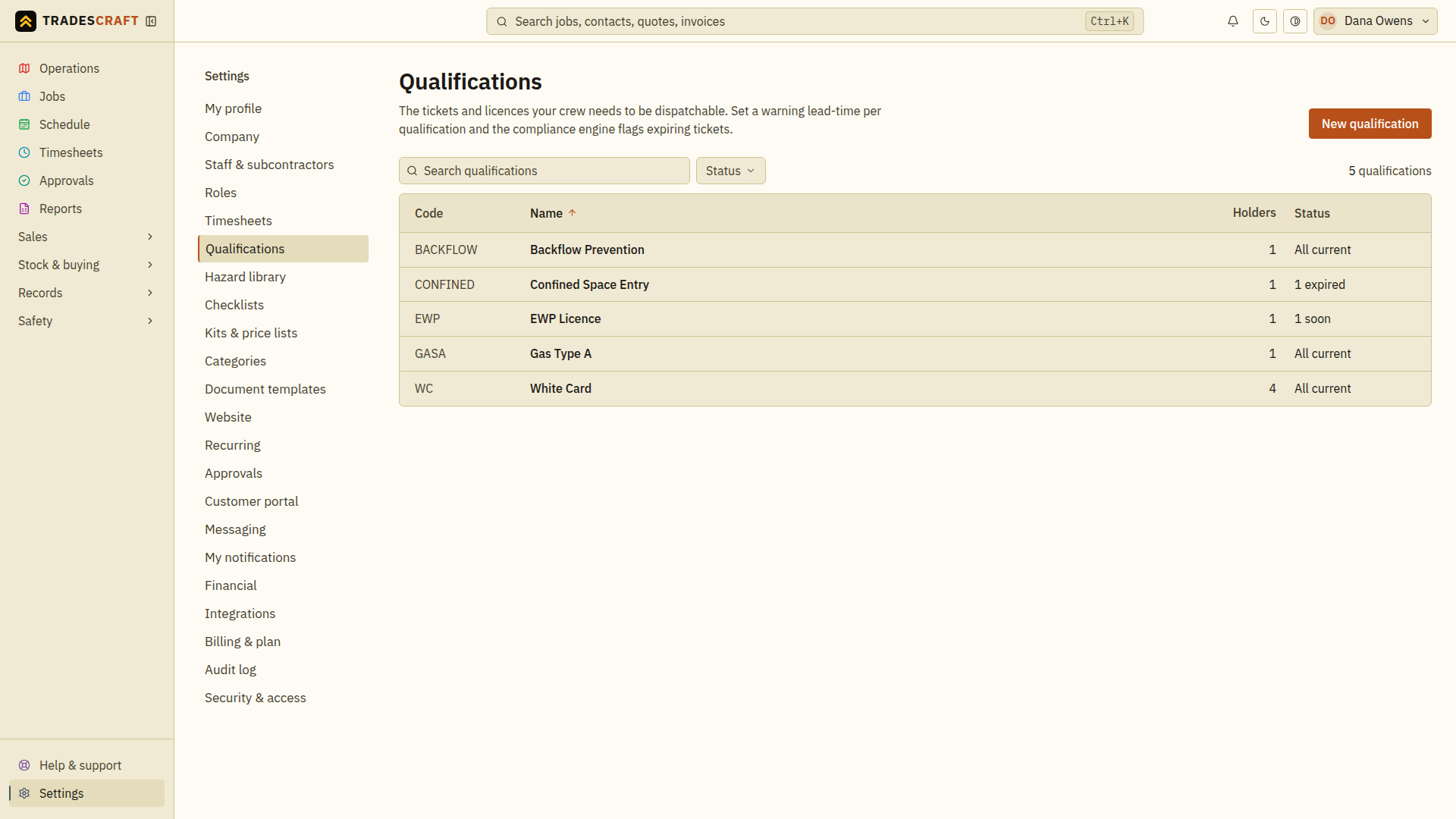
What you can do
- Keep a catalogue of the qualifications your trade needs.
- Record which worker holds each one, with the expiry date and a copy of the certificate.
- Edit a held ticket to renew it - bump the expiry when it's renewed without losing the history (leave the file alone to keep the existing certificate, or attach a new one to replace it).
- Get warned before one expires. If the business has turned on the Compliance setting, the dispatch check stops someone being sent to a site whose mandatory ticket they do not currently hold.
Add or renew a ticket
- Open the qualification from the list. If its type is missing, follow Add a qualification to create it first.
- In Who holds this, choose Add ticket, select the worker and enter the reference, dates and proof document. Choose Add to save.
- To renew an existing holder, choose Edit on that row, update the expiry and proof, then Save ticket. Check the updated date in the holders list.