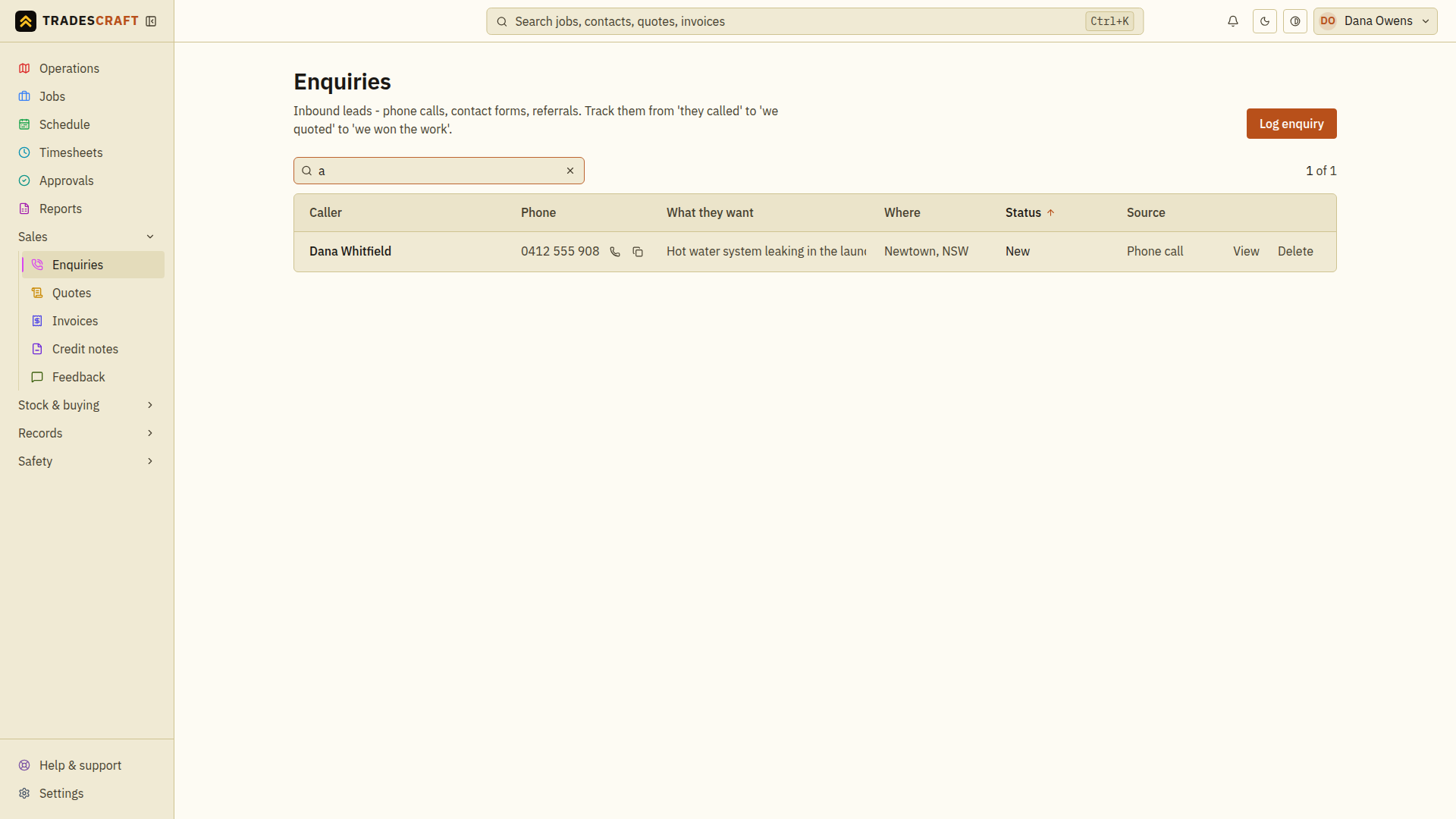
Enquiries are incoming leads - a phone call, a website form, a referral - before they become a job. Open the list from Sales → Enquiries.
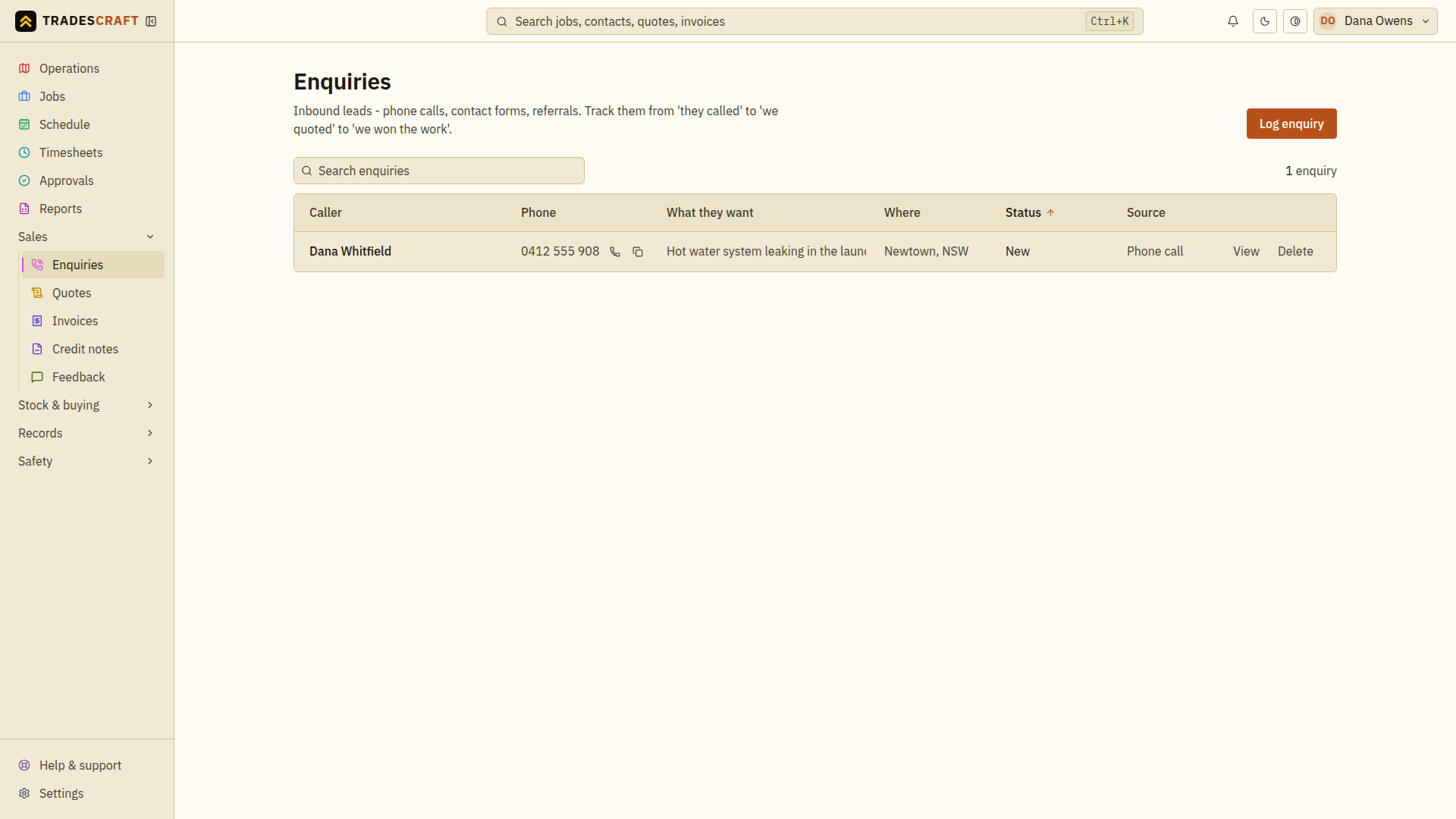
What's on the list
Each row is a lead, with who it's from, what they want, and its status (New, Contacted, Quoted, Converted, Lost). Enquiries from your public website or directory listing drop in here automatically.
- Log enquiry (top-right) logs one you took by phone.
- Open an enquiry to Convert to quote (or dispatch it as a job straight from the Operations map).
Find what you need
- Search for the caller's name, phone or a phrase from their request.
- Check Where and What they want to distinguish similar enquiries.
- Open the row, read the request, then choose the next action: edit the details, convert it to a quote, or mark it lost with a reason.
Clear the search and any status filter to return to the full pipeline. An empty search result does not mean the enquiry was deleted. Before logging another lead, check whether the website already created it.