
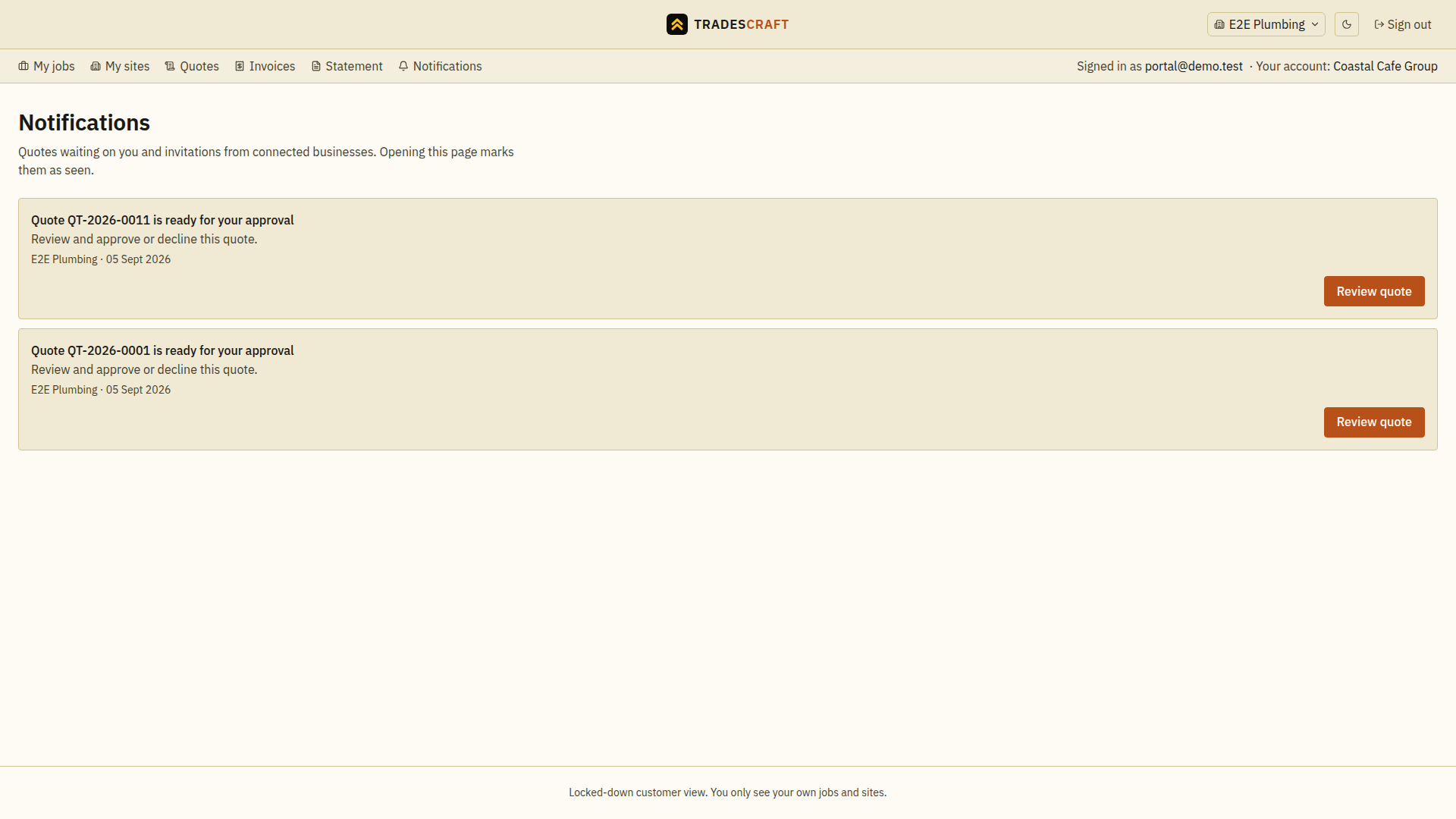
The Notifications tab collects updates about your jobs, quotes and invoices - a new quote to review, a job booked, an invoice due.
What you'll see
- A list of updates, newest first, each linking to the thing it's about.
Follow an update
- Open Notifications in the correct tradie workspace.
- Read the update, then follow its link to the job, quote or invoice.
- Complete any action on that record; reading a notification does not approve a quote or pay an invoice.
Opening this list marks displayed unseen updates as seen. A connection invite has Accept and Decline actions; check the business name before deciding. If there are no updates, return to My jobs or the relevant document tab.