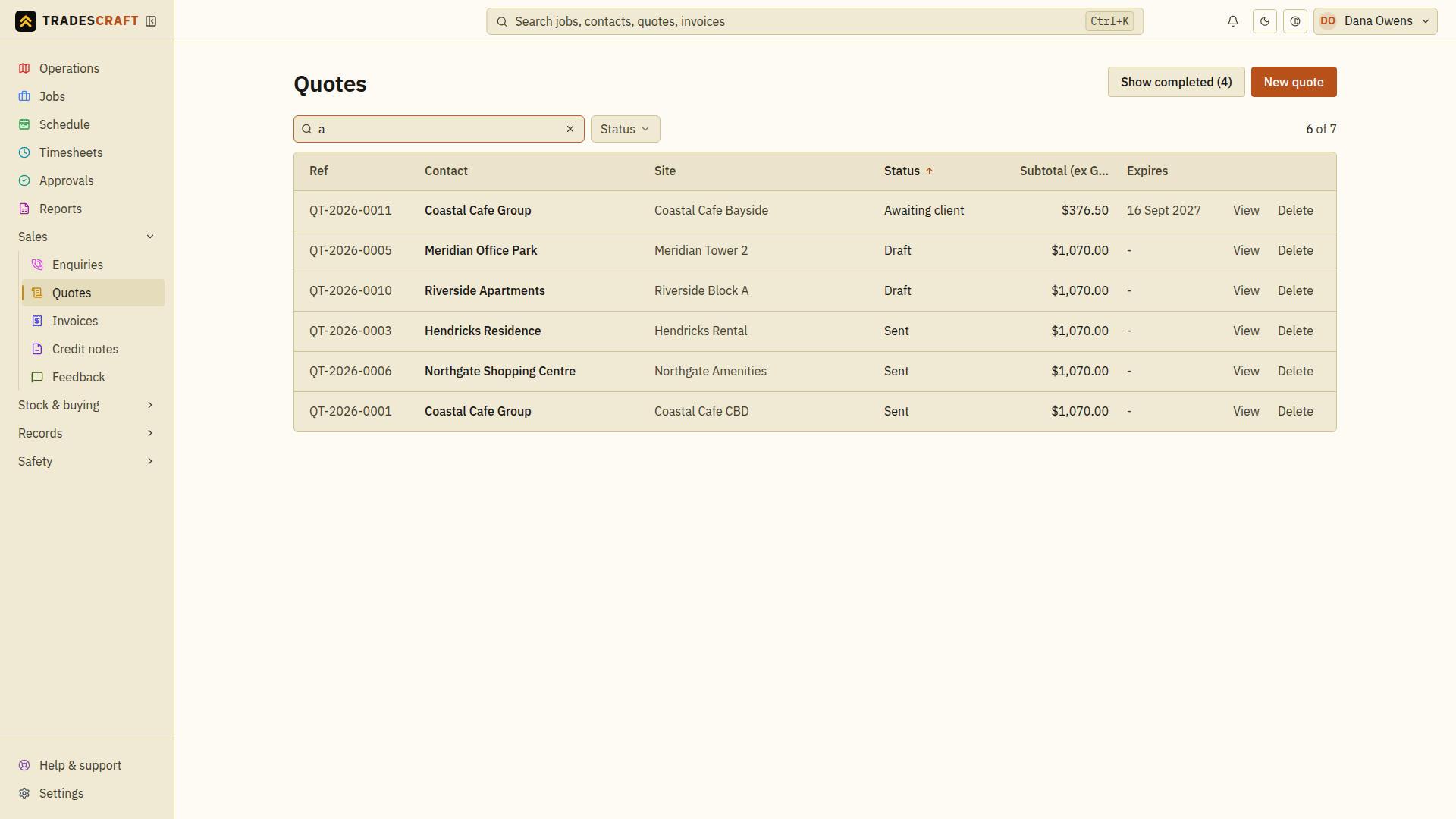
Quotes is your pipeline of priced work waiting on a customer's yes. Open it from Sales → Quotes.
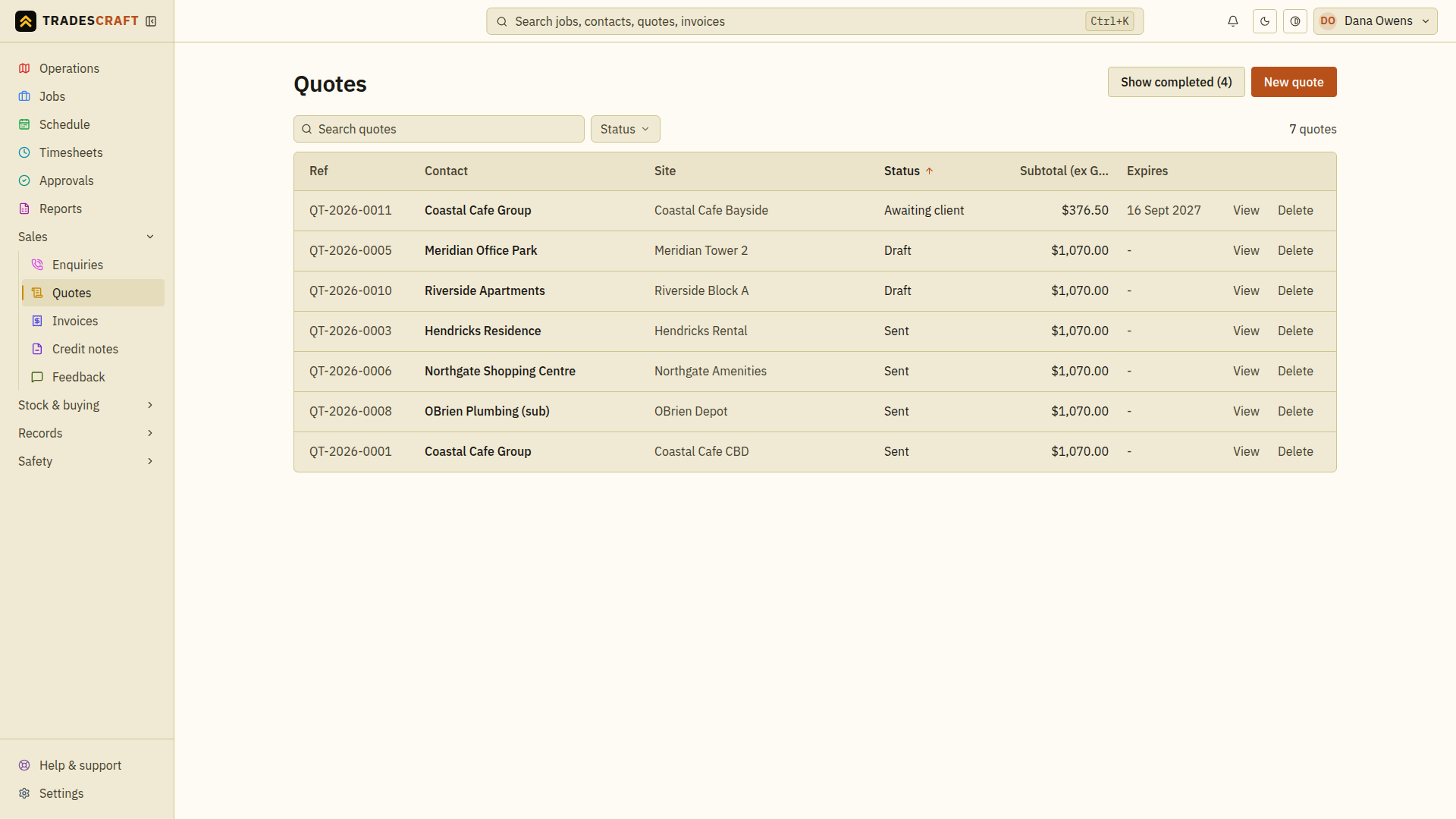
What's on the list
Each row shows the quote number (QT-2026-0001…), the customer, the total, and its status (draft, sent, accepted, declined). Click a row to open it.
- New quote (top-right) starts a new one.
- Sort by any column; search the top bar by number or customer.
Find what you need
- Enter the quote reference or customer in the list's search box.
- Check the matching row's Status and Expires date. A draft is still being prepared; an awaiting-client quote needs a customer decision.
- Open the quote to check its scope and total, then use Quote details to send or convert it.
Clear the search and any status filter if the expected quote is missing. Check for an existing quote before choosing New quote so you do not price the same request twice.