
Locations let you track where your parts are - the shed, each van, a job site. Stock on hand is then counted per location, so you know what's on the truck versus on the shelf. Open it from Stock & buying → Stock locations.
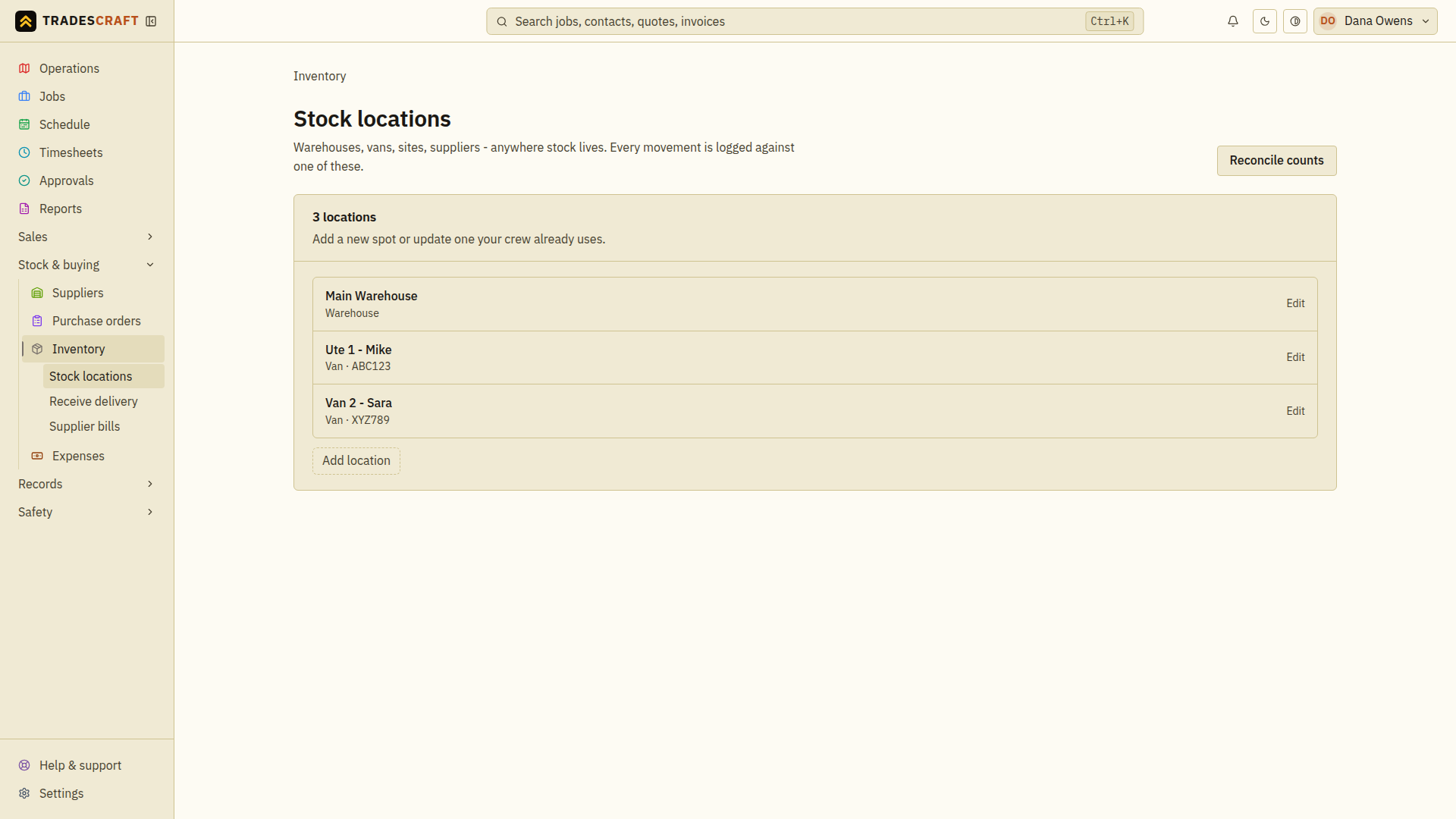
Add a location
- Choose Add location and enter a Name, such as "Main warehouse" or "Van - Dave".
- Choose the Kind and, for a van, enter its registration if useful.
- Choose Add location in the form. Check that the new location appears in the list before receiving stock into it.
Use Edit on an existing location and Save changes to update its details. Set per-location reorder thresholds under Reconcile counts.
Transfer stock
Use Move stock between locations for the complete Transfer steps. The move reduces one location and increases the other; it does not add new stock to the business.