
Start a new supplier
From Stock & buying → Suppliers, tap New supplier.
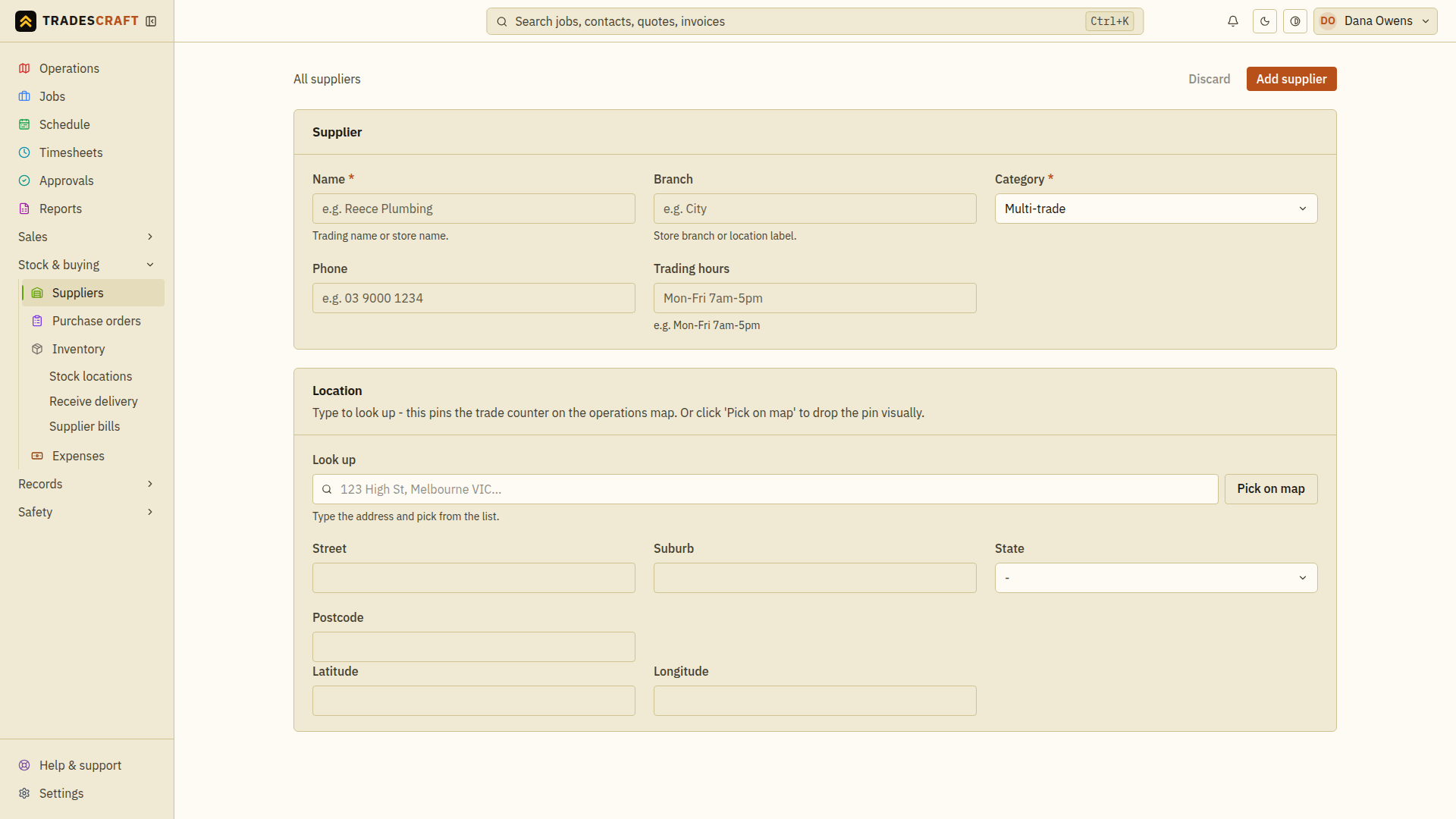
Fill in the details
- Name (required) - the trading or store name (e.g. Reece Plumbing).
- Branch - which store or counter, if it matters.
- Category (required) - Plumbing, Electrical, Gas or Multi-trade.
- Phone and trading hours - so you can reach them and know when they're open.
- Location - type the address in Look up and pick it (or Pick on map) to drop the pin. This puts the trade counter on your operations map so you can see what's near a job.
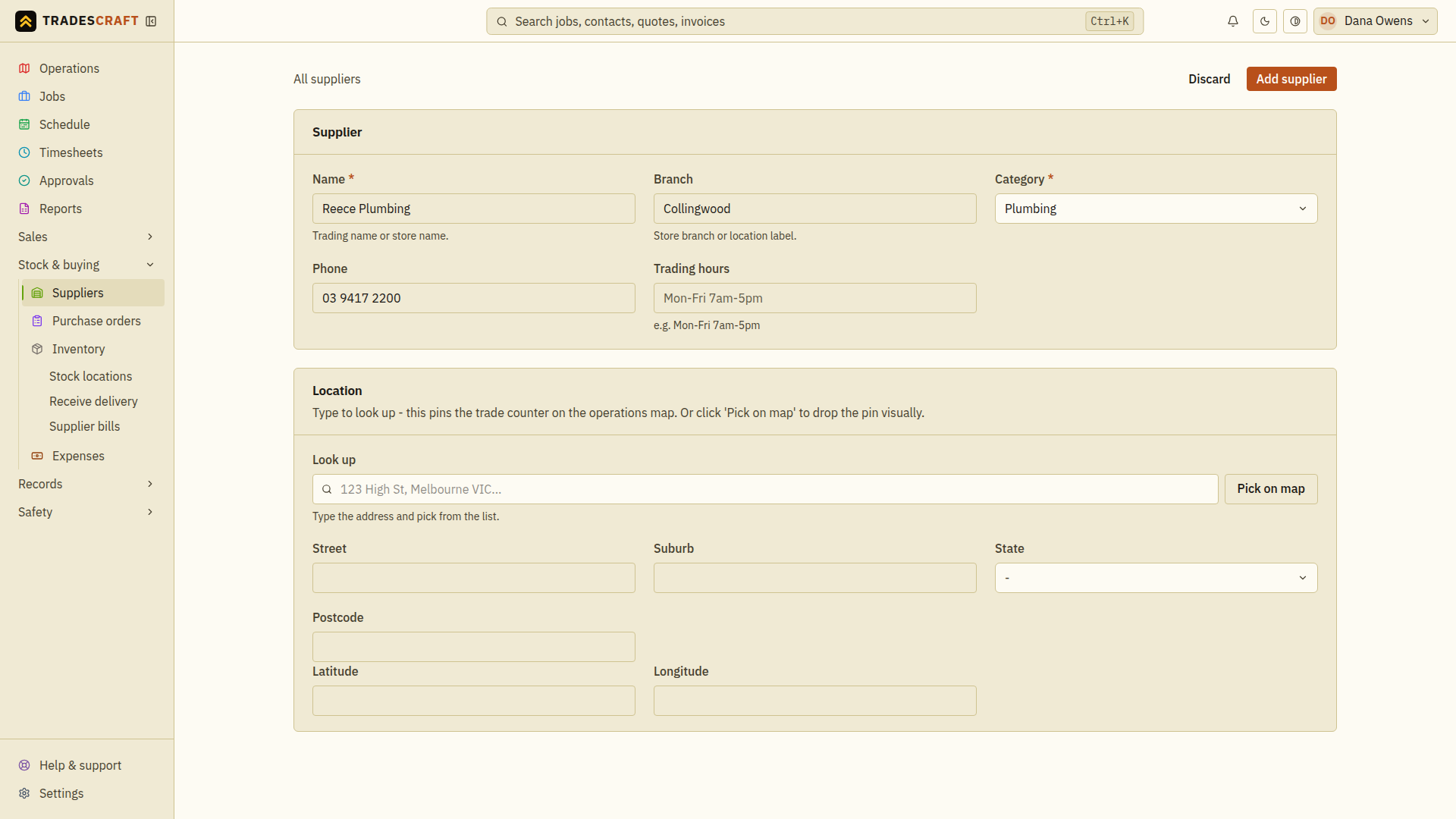
Tap Add supplier to save it.
Ready to buy from
The supplier is saved, ready to raise a purchase order against and to receive stock from.
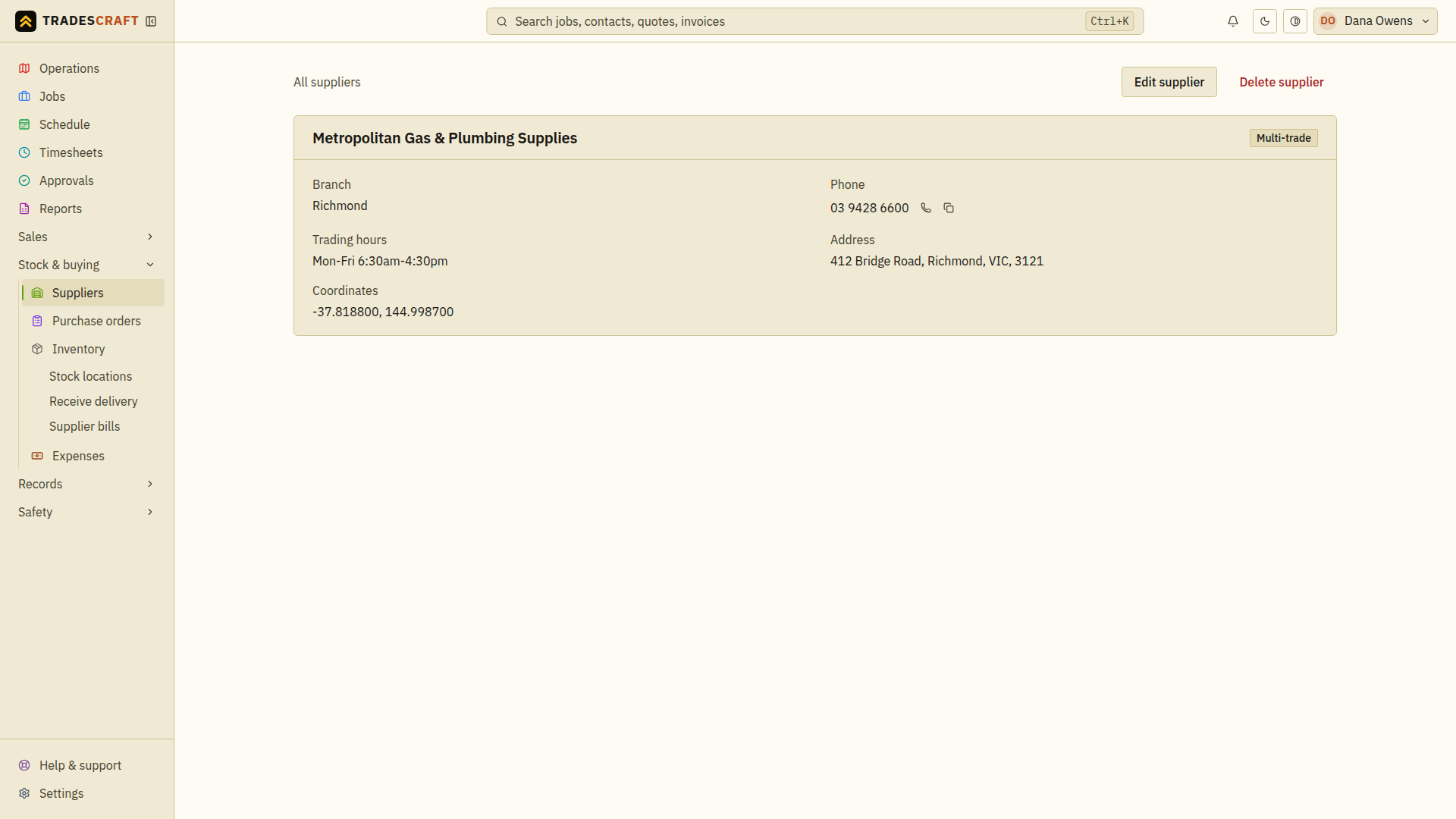
Check what you saved
After Add supplier, check the saved name, branch, address and phone against the trade counter you use. The screenshot is a separate example supplier. If the form stays open, read the error, fix the highlighted field and try again.