
Ordered something you no longer need, or the supplier can't fill it? Cancel the purchase order to close it off. Open it from Stock & buying → Purchase orders.
Cancel it
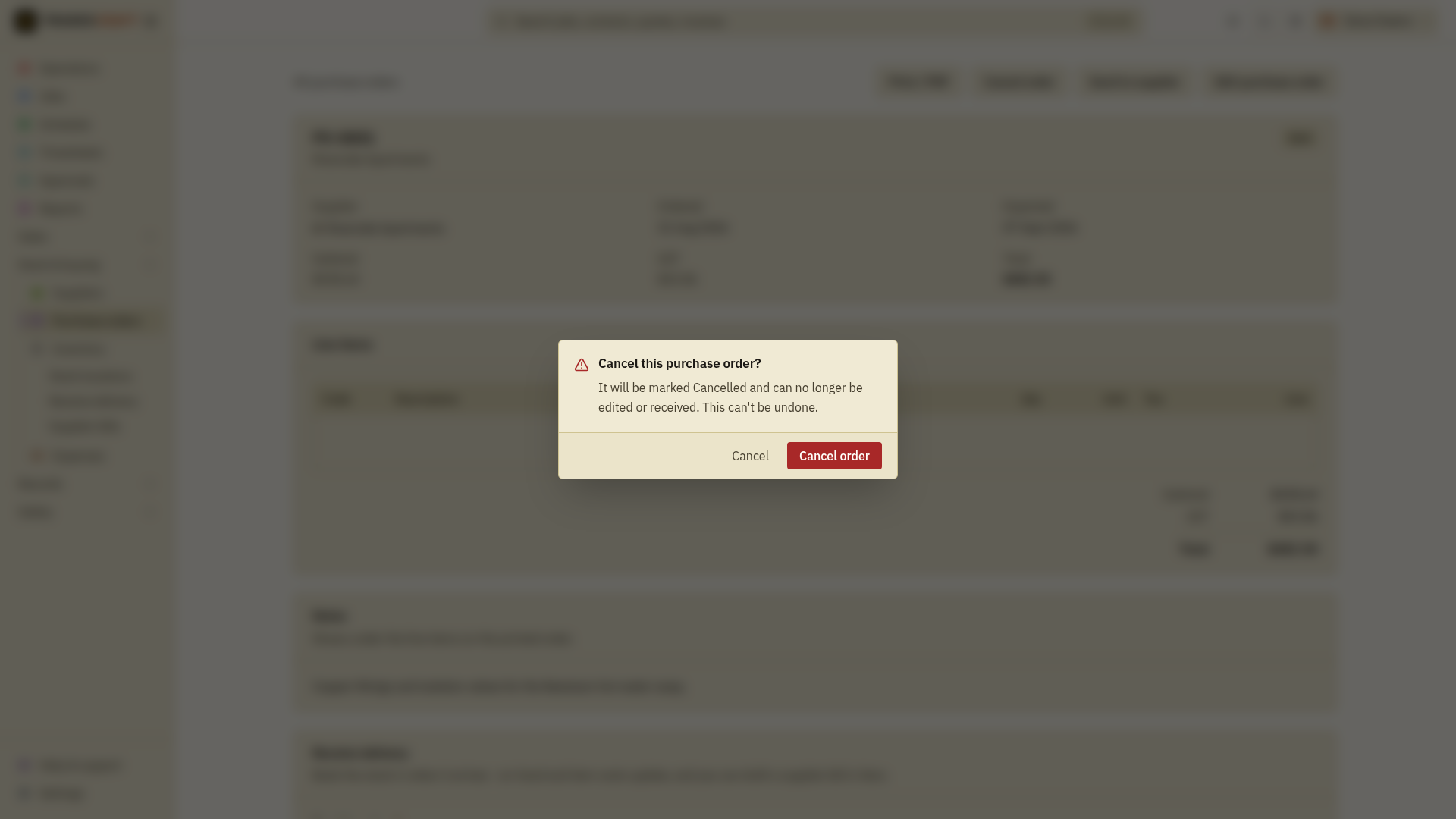
- Open the PO. While it's still open (draft, sent or approved), Cancel order sits with the other actions at the top of the page.
- Tap Cancel order and confirm.
The PO is marked Cancelled. From then on it's locked - you can't edit it or receive stock against it - but it stays on your list as a record of what was ordered.
Good to know
- Cancelling can't be undone, so it asks you to confirm first.
- You can only cancel an order that's still open. A PO you've already received cannot be cancelled. Review its receipt, stock movements and any supplier bill with your administrator before making a correction. Reversing a bill payment only corrects the payment record; it does not undo a stock receipt or cancel the order.
- Cancelling is different from deleting a draft: a draft you never sent can just be removed, while cancelling records that a real order was called off.